Constants
Manage system-wide constant values in PackWares CMS.
Open in AppLearn how to manage constants in PackWares CMS. Constants are fixed values used in calculations across the system.
Accessing Constants
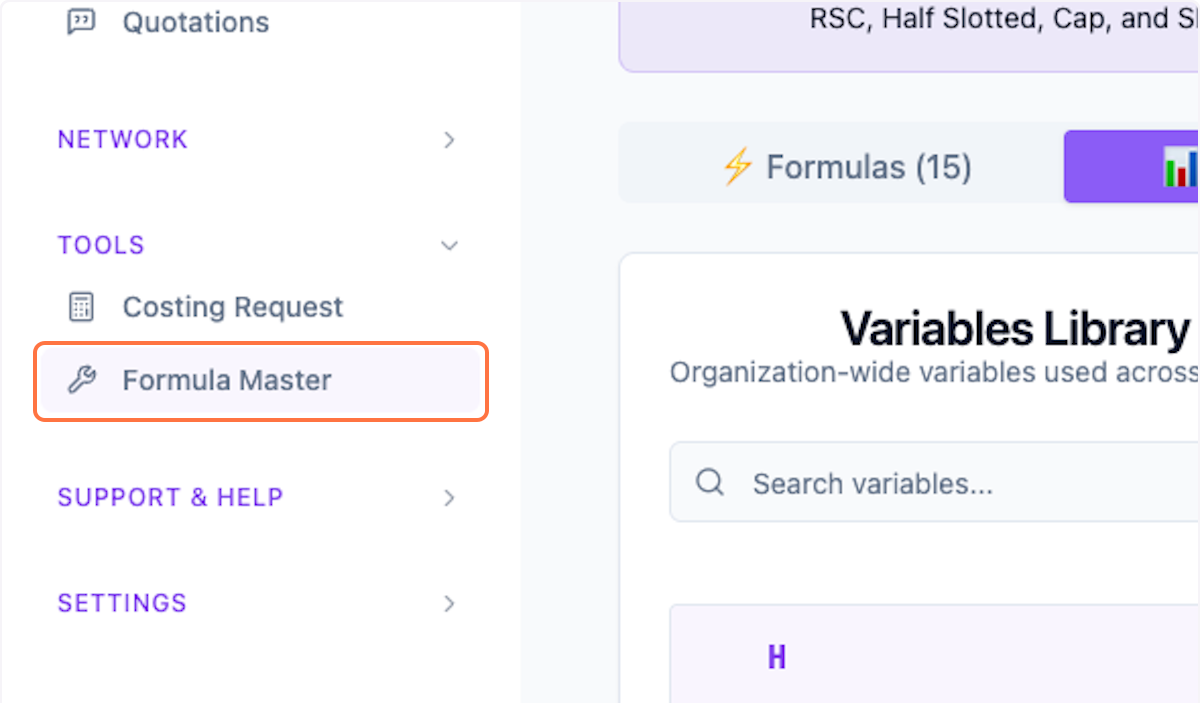
Step 1: Open Formula Master
Click on Formula Master from the menu.
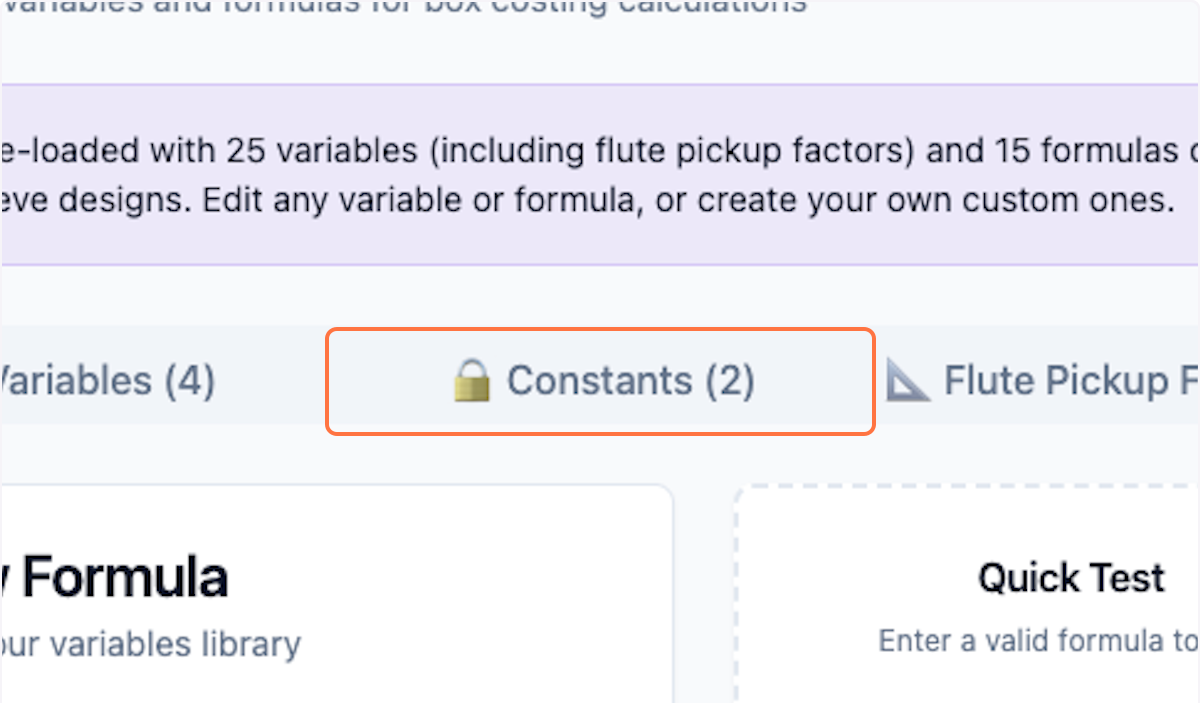
Step 2: Open Constants Tab
Click on Constants tab.
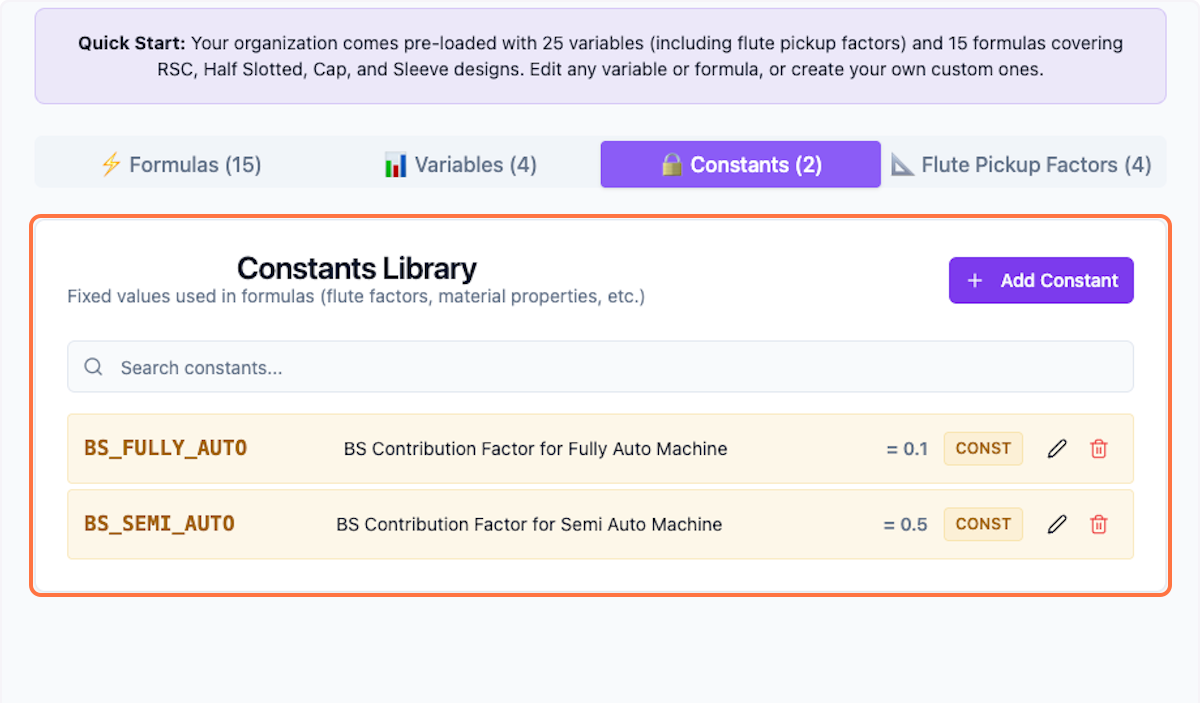
Step 3: View All Constants
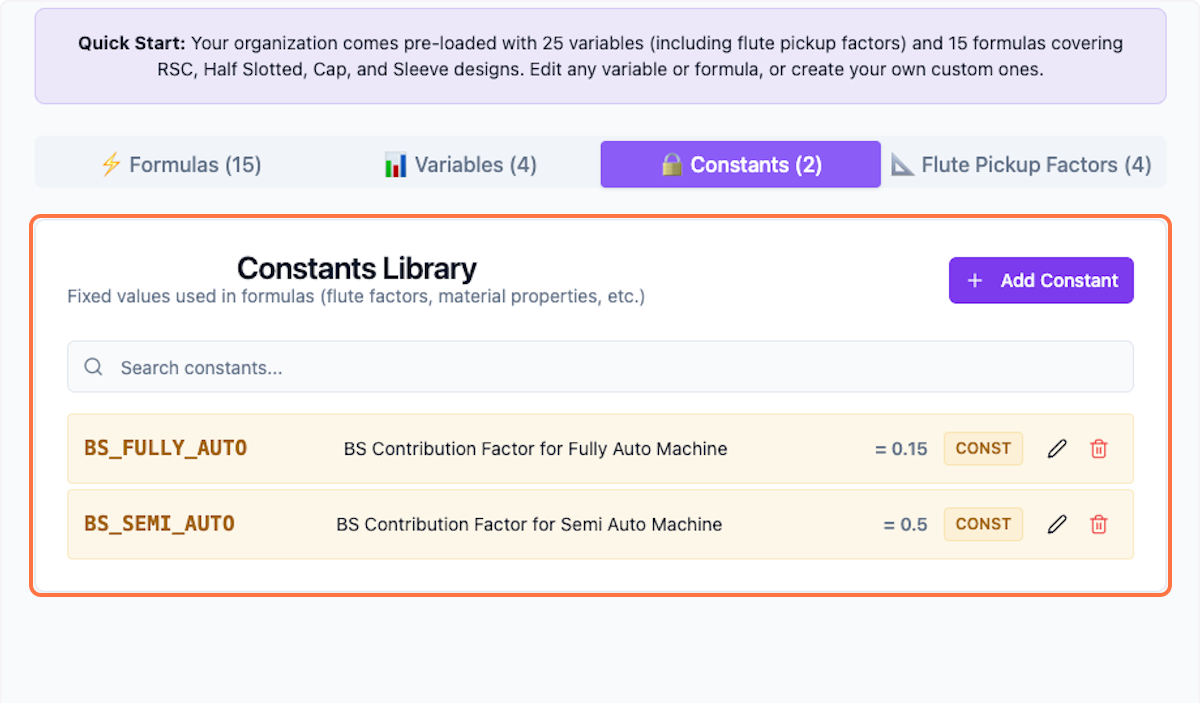
View all the available constants. 2 default constants manage bursting strength by machine type. Customize as needed, but don't delete them.
Editing Constants
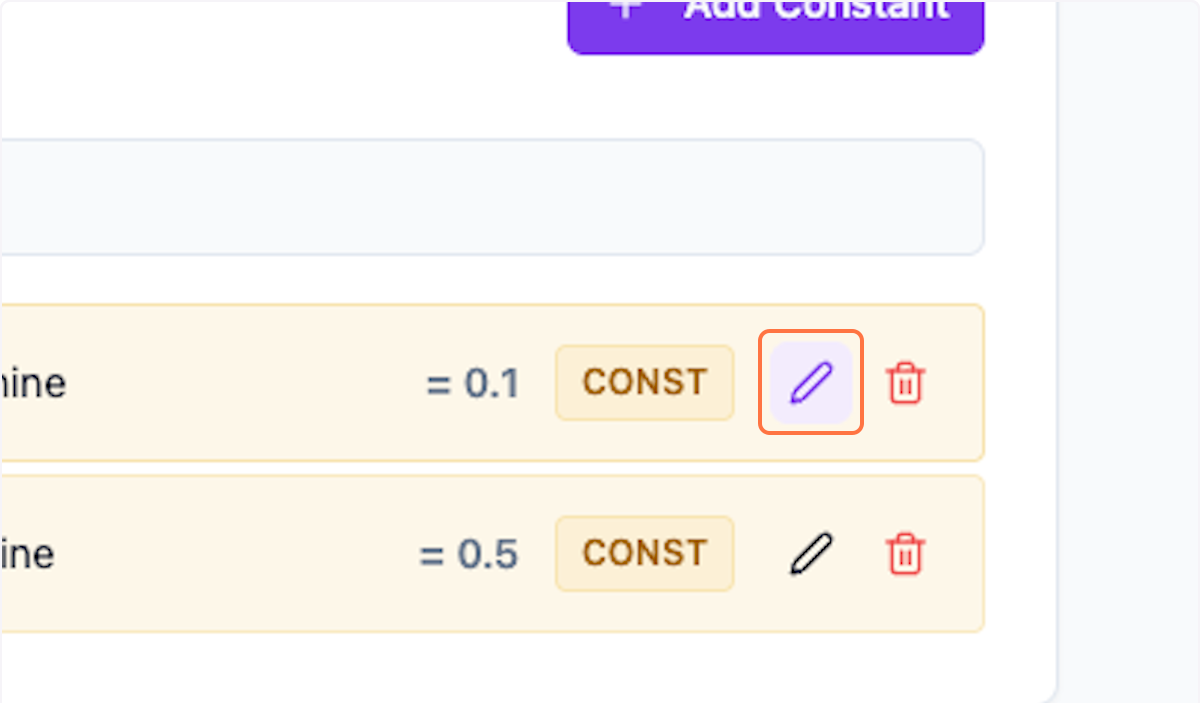
Step 4: Edit Constant
Click on the pencil icon to edit a constant.
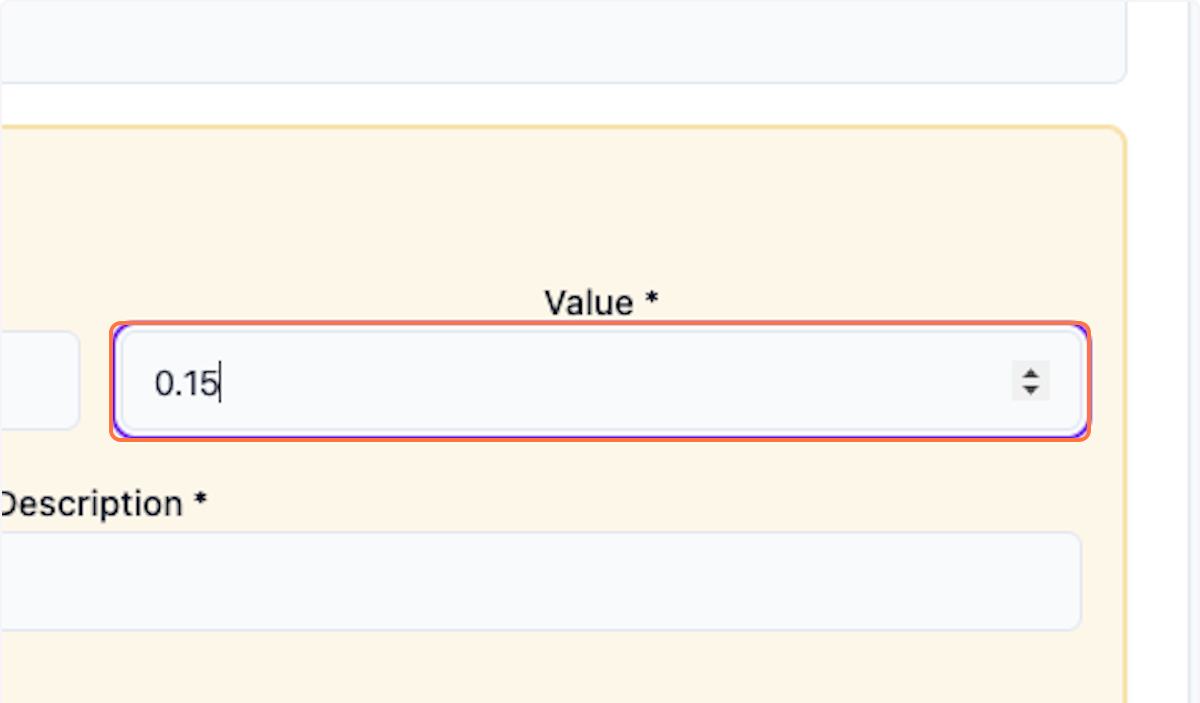
Step 5: Make Changes
Make required changes to the constant value.
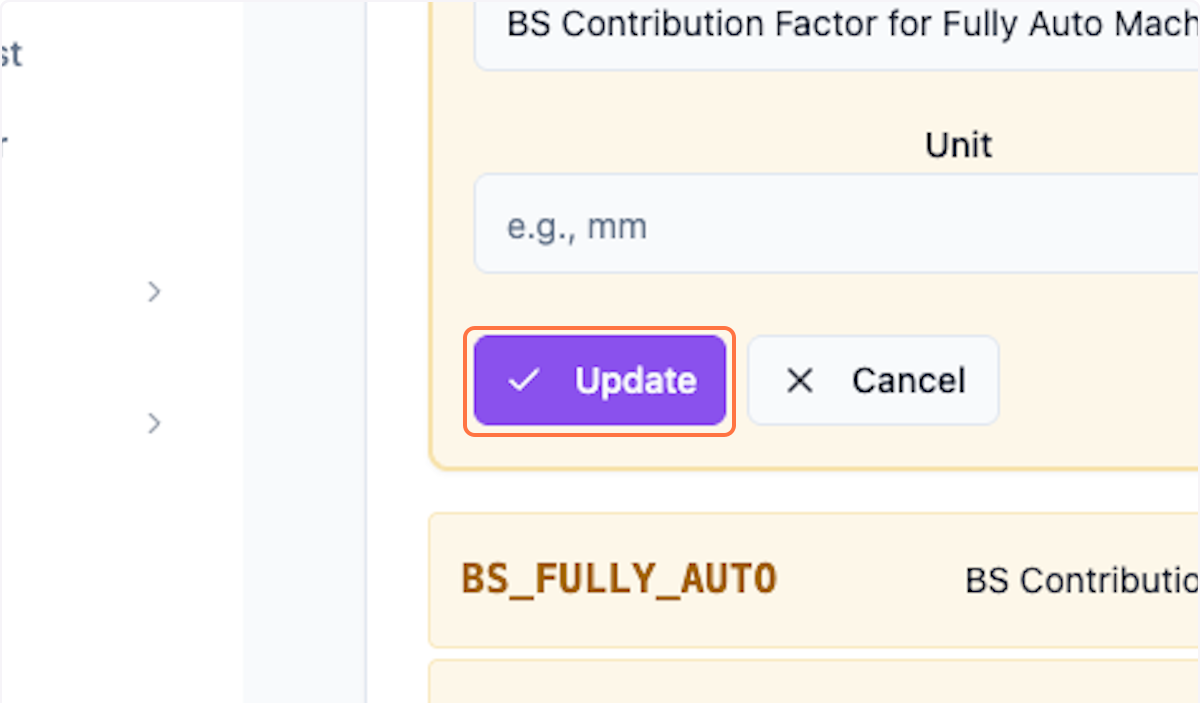
Step 6: Save Changes
Click Update to save the changes.
Step 7: Preview Changes
Preview your changes here.
What's Next?
After configuring constants, you can:
- Update formulas that use these constants
- Configure flute pickup factors
- Test calculations with new values
Was this helpful?
Let us know if you need more help.