Flute Pickup Factor
Configure flute pickup factors for accurate calculations in PackWares CMS.
Open in AppLearn how to manage flute pickup factors in PackWares CMS. These factors are essential for accurate paper consumption calculations.
Accessing Flute Pickup Factors
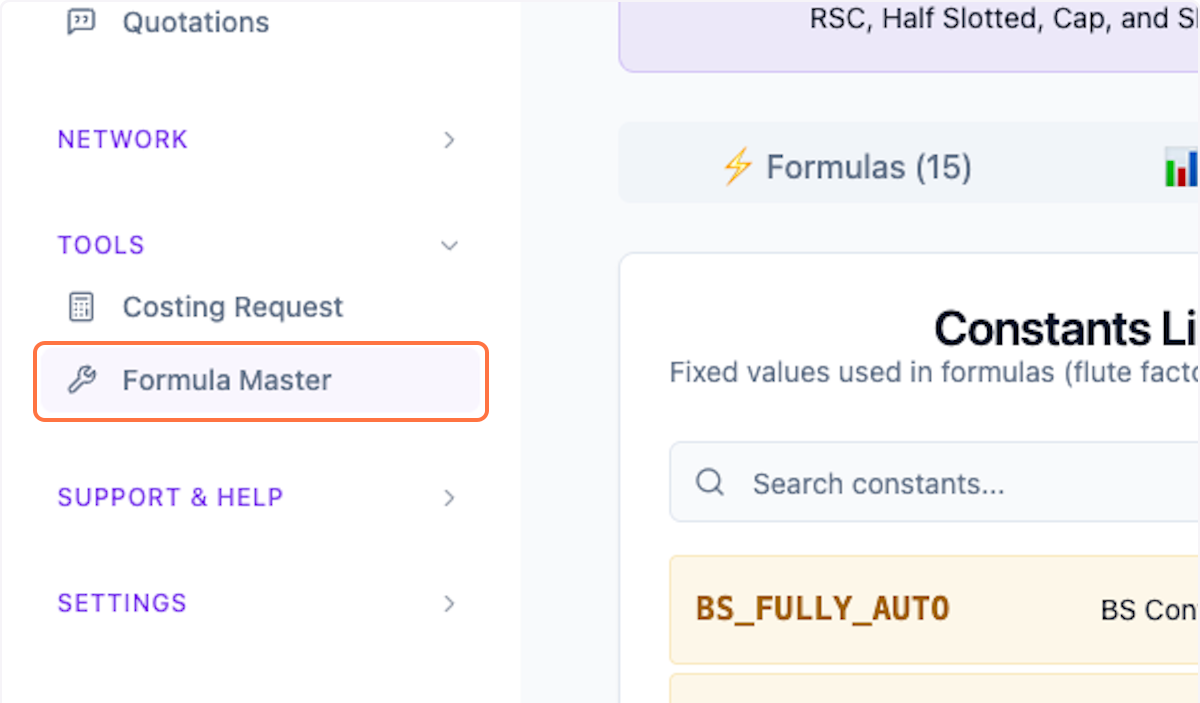
Step 1: Open Formula Master
Click on Formula Master from the menu.
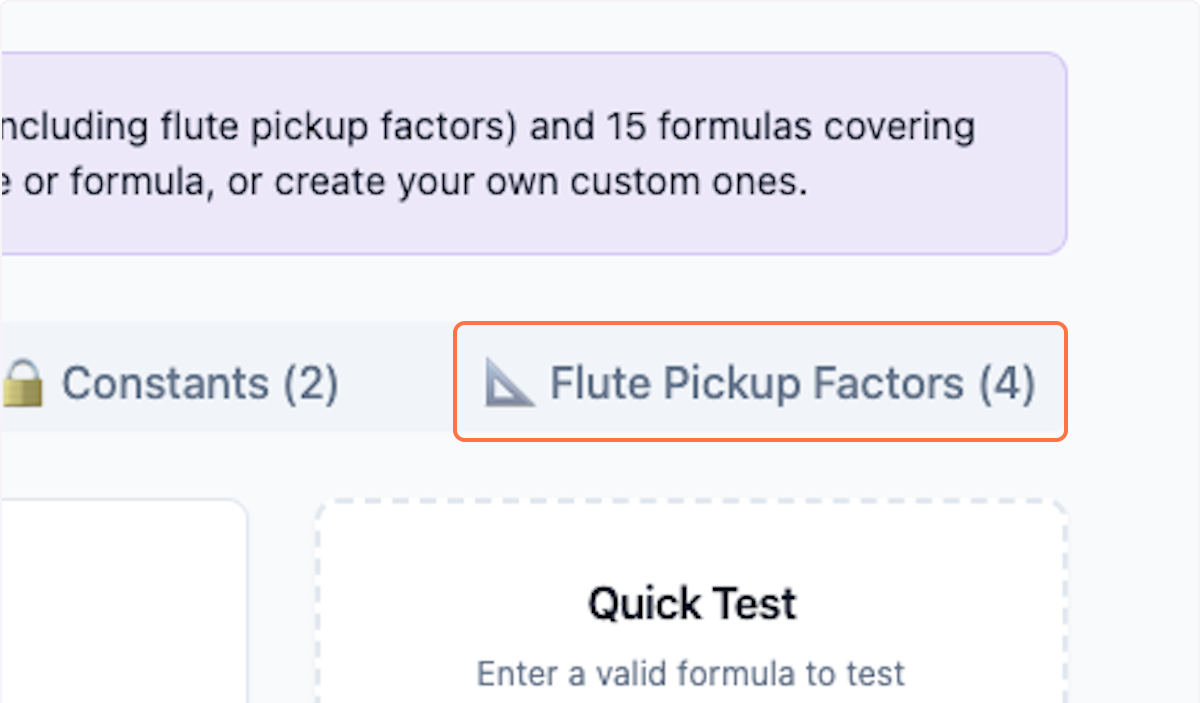
Step 2: Open Flute Pickup Factors Tab
Click on Flute Pickup Factors tab.
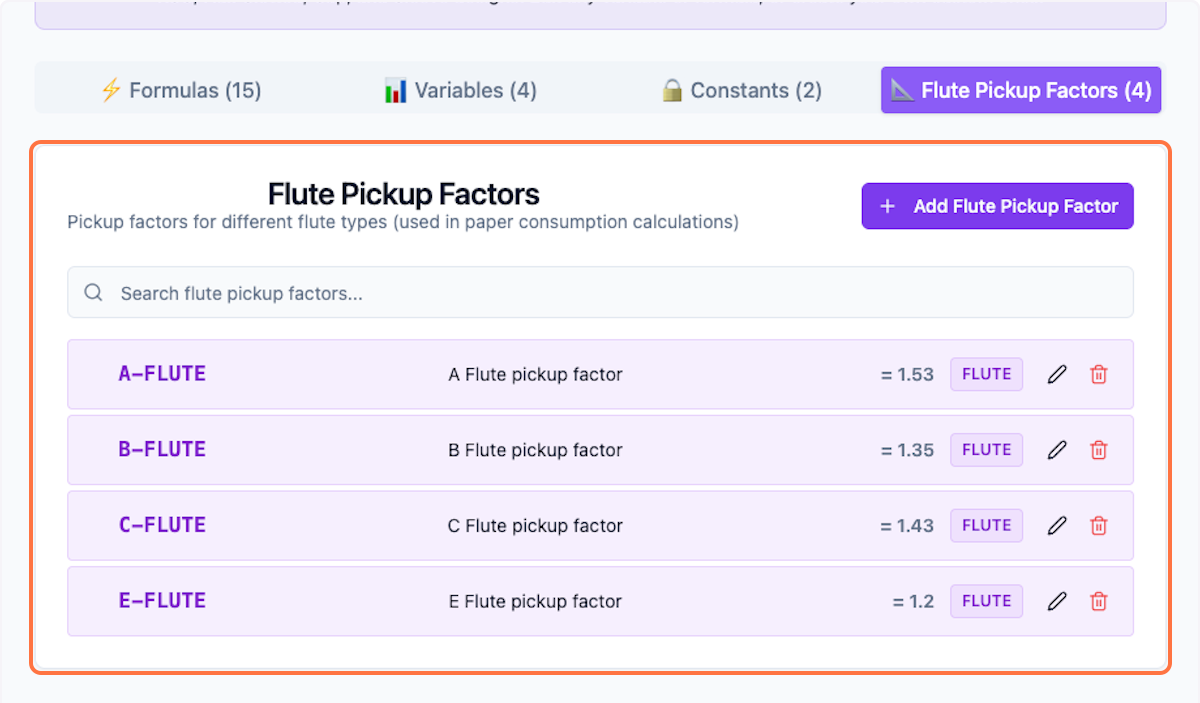
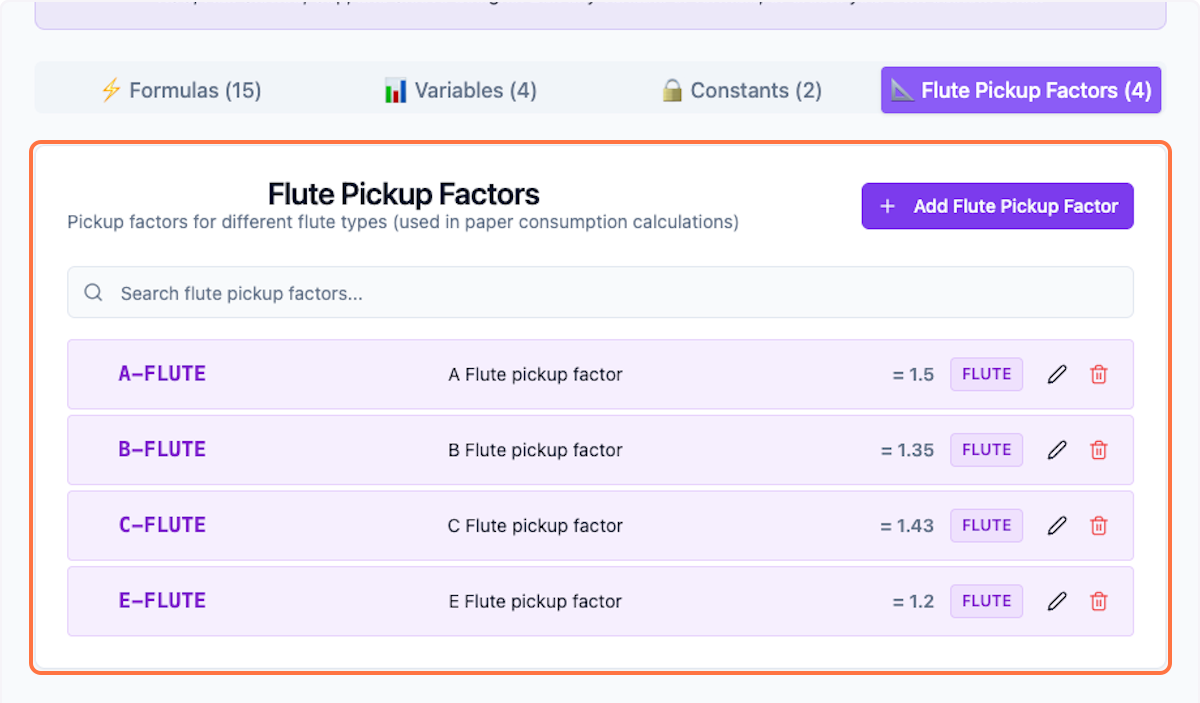
Step 3: View All Pickup Factors
Preview all the available pickup factors.
Editing Flute Pickup Factors
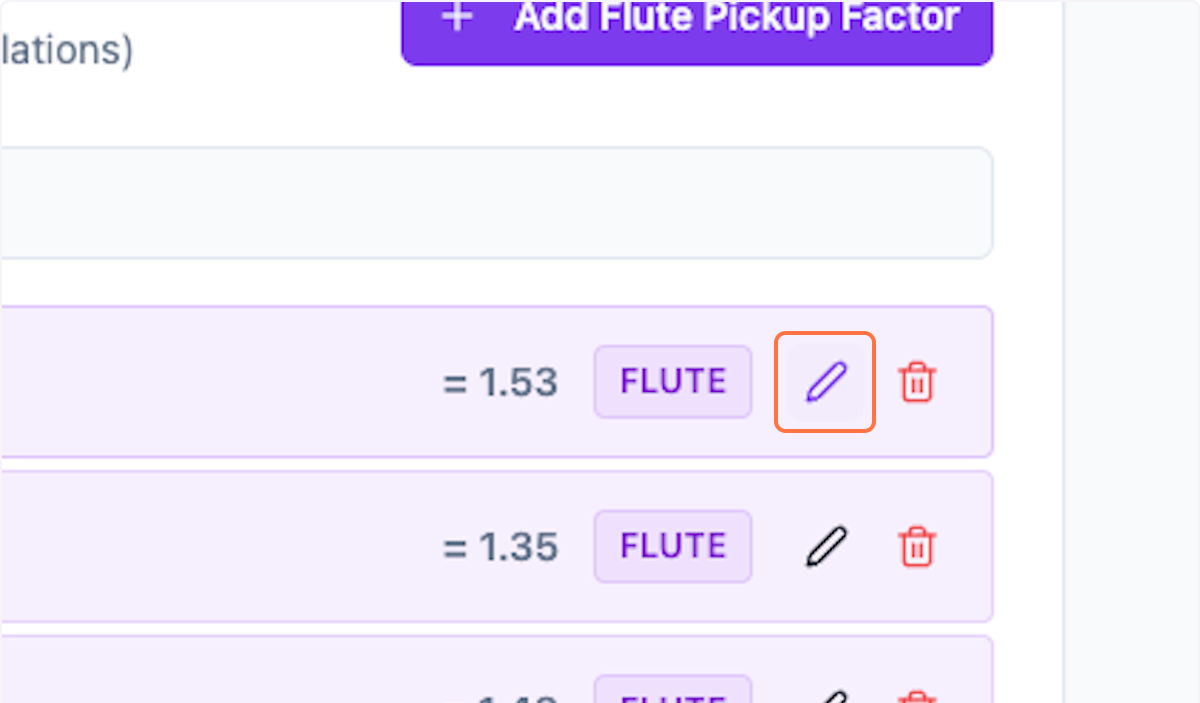
Step 4: Edit Factor
Click on the pencil icon to edit a pickup factor.
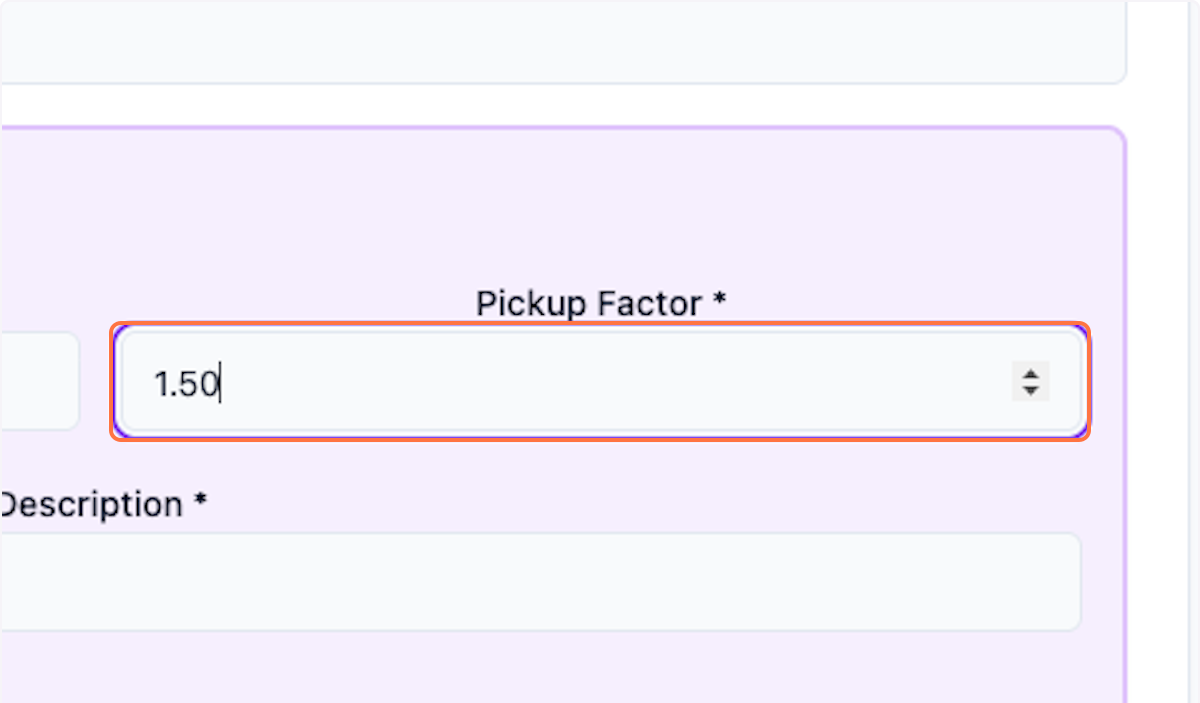
Step 5: Customize Values
Customize the values as needed for your operations.
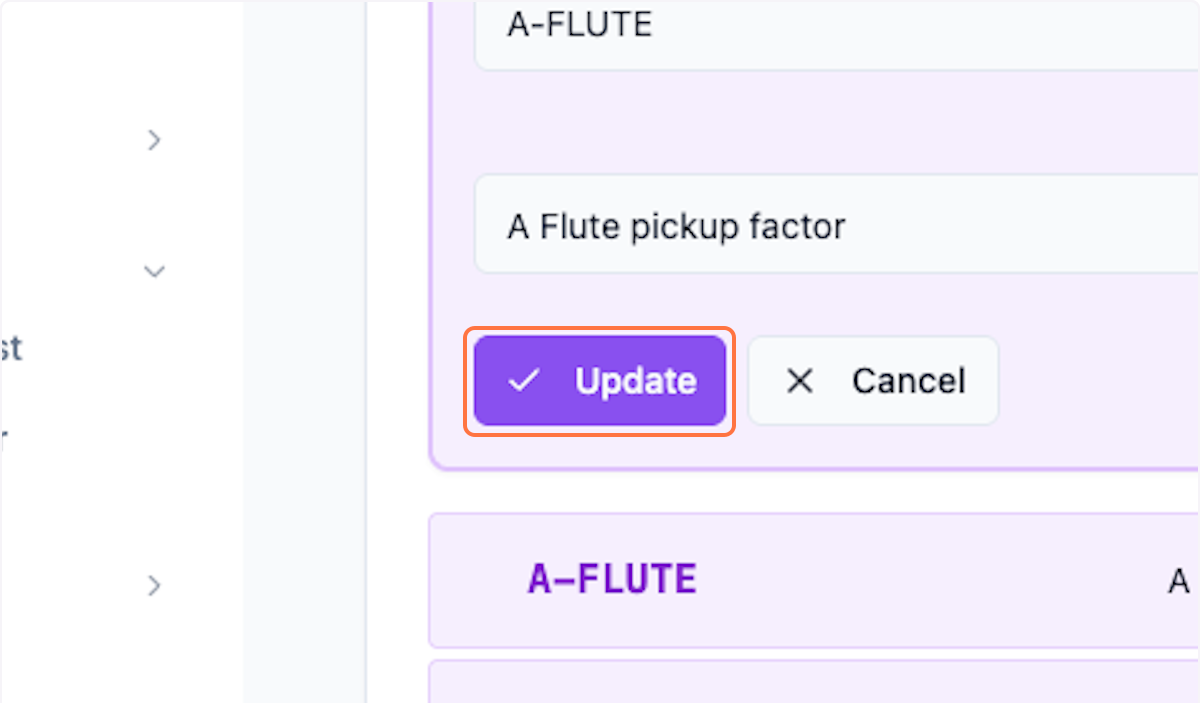
Step 6: Save Changes
Click Update to save the changes.
Step 7: Preview Changes
Preview the changes being made.
What's Next?
After configuring flute pickup factors, you can:
- Ensure accurate paper consumption calculations
- Update formulas that use these factors
- Test with sample calculations
Was this helpful?
Let us know if you need more help.