Formulas
Customize calculation formulas as per your internal standards in PackWares CMS.
Open in AppLearn how to customize formulas in PackWares CMS. You can customize the existing formulas as per your internal standards.
Accessing Formulas
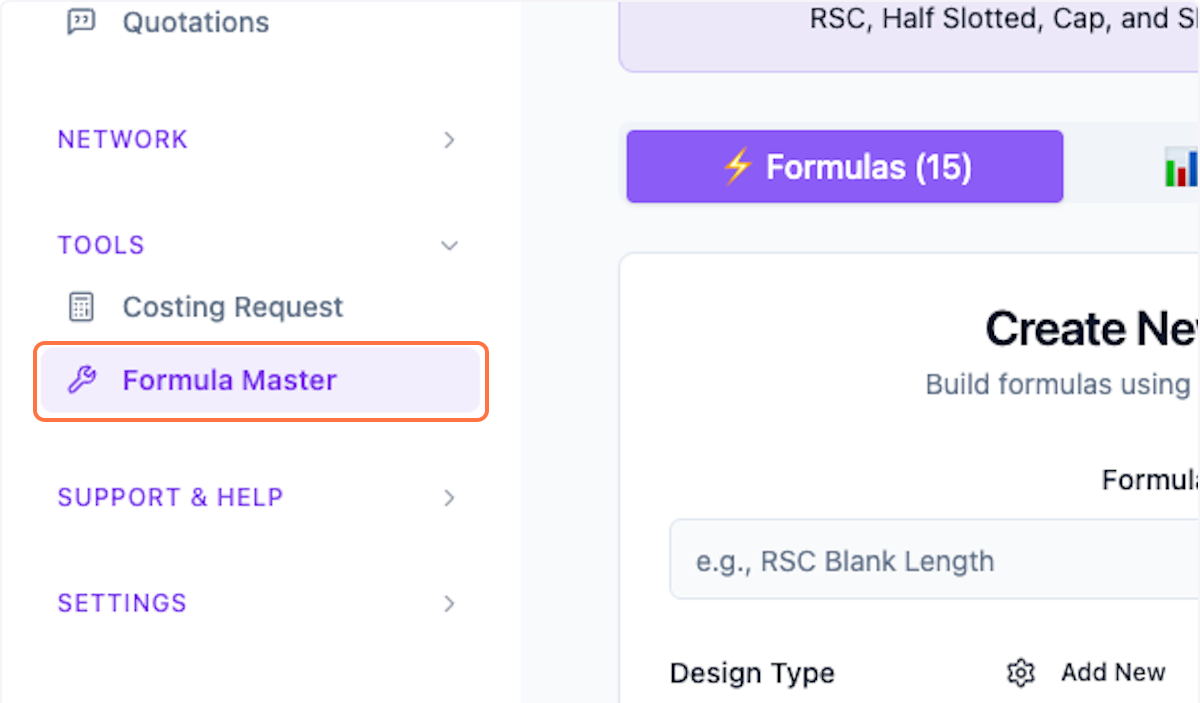
Step 1: Open Formula Master
Click on Formula Master from the menu.
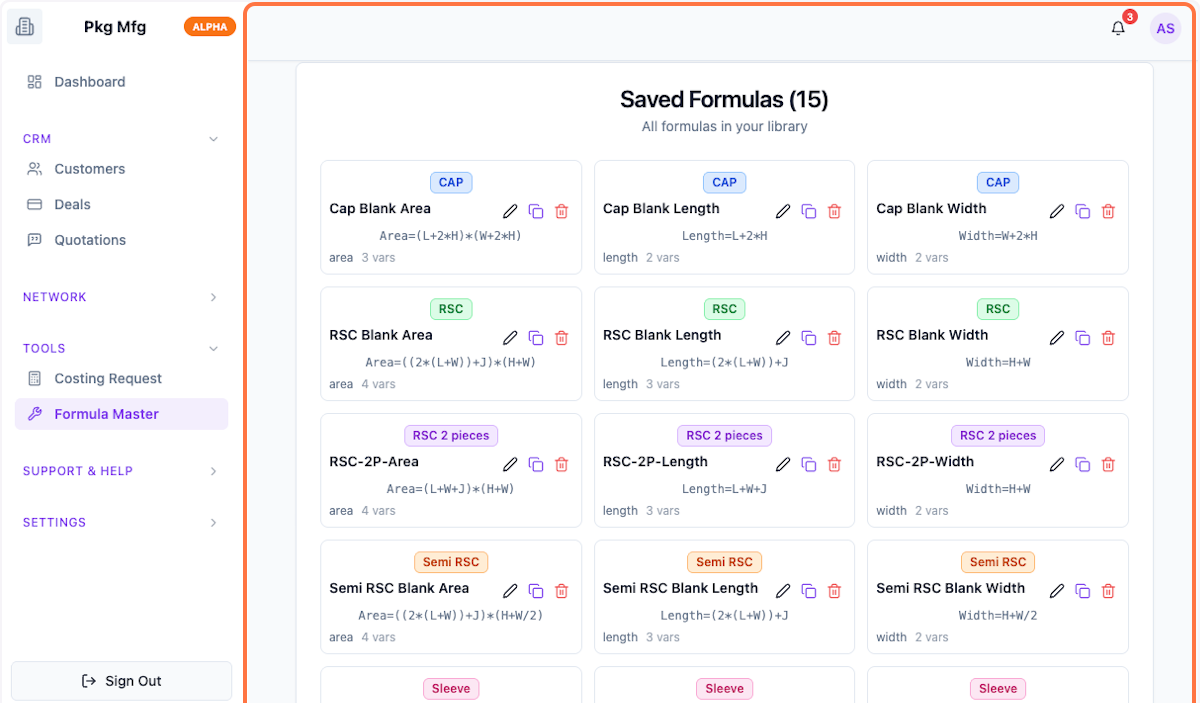
Step 2: View Existing Formulas
Scroll down to see the existing formulas. The system includes popular common formulas.
Editing Formulas
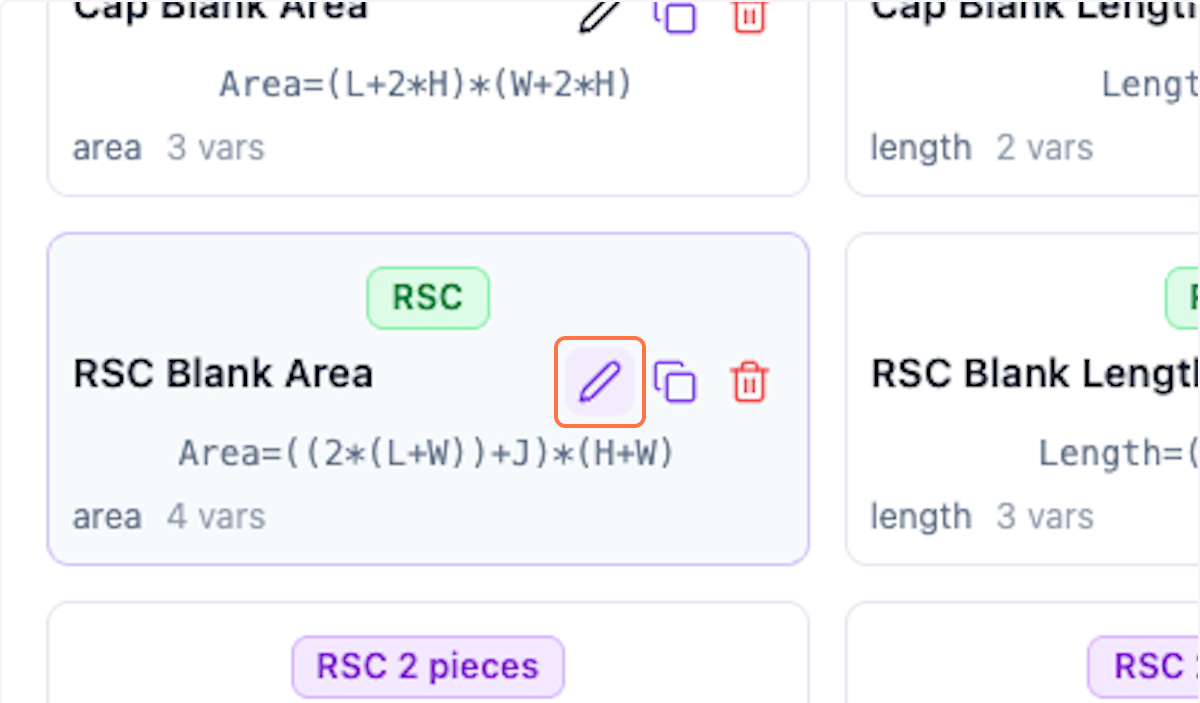
Step 3: Edit Formula
Click on the pencil icon to edit any formula.
Step 4: View Edit Mode
Scroll up to see the formula in edit mode.
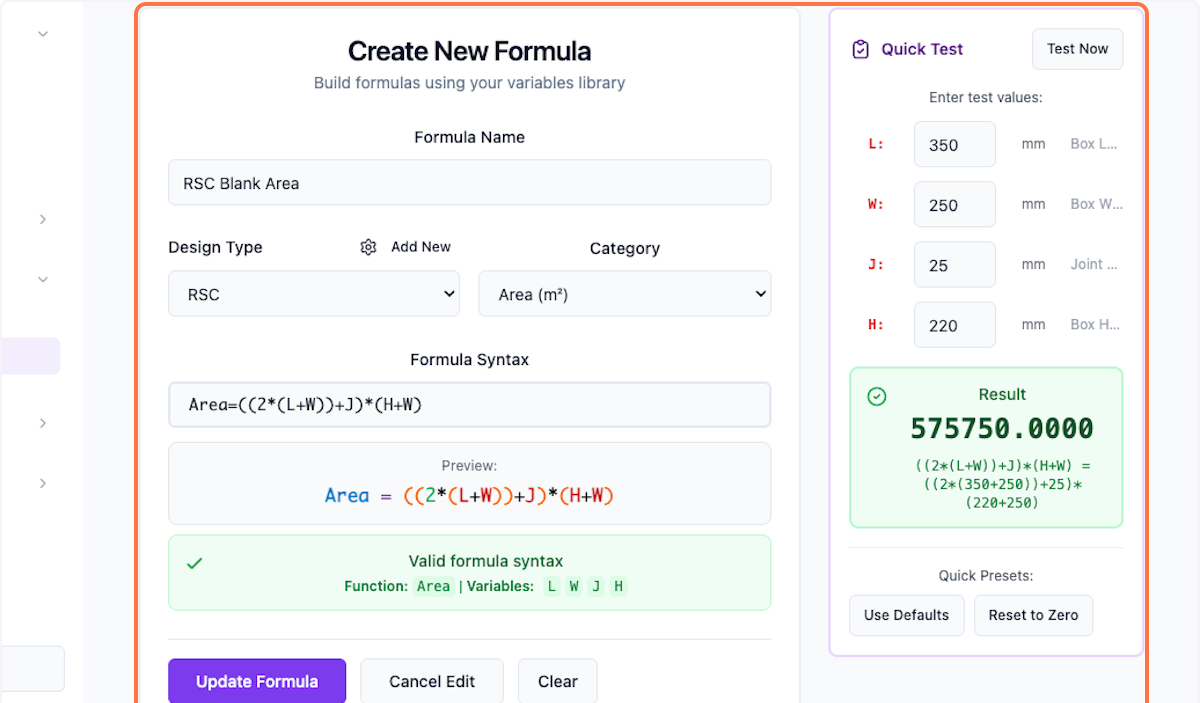
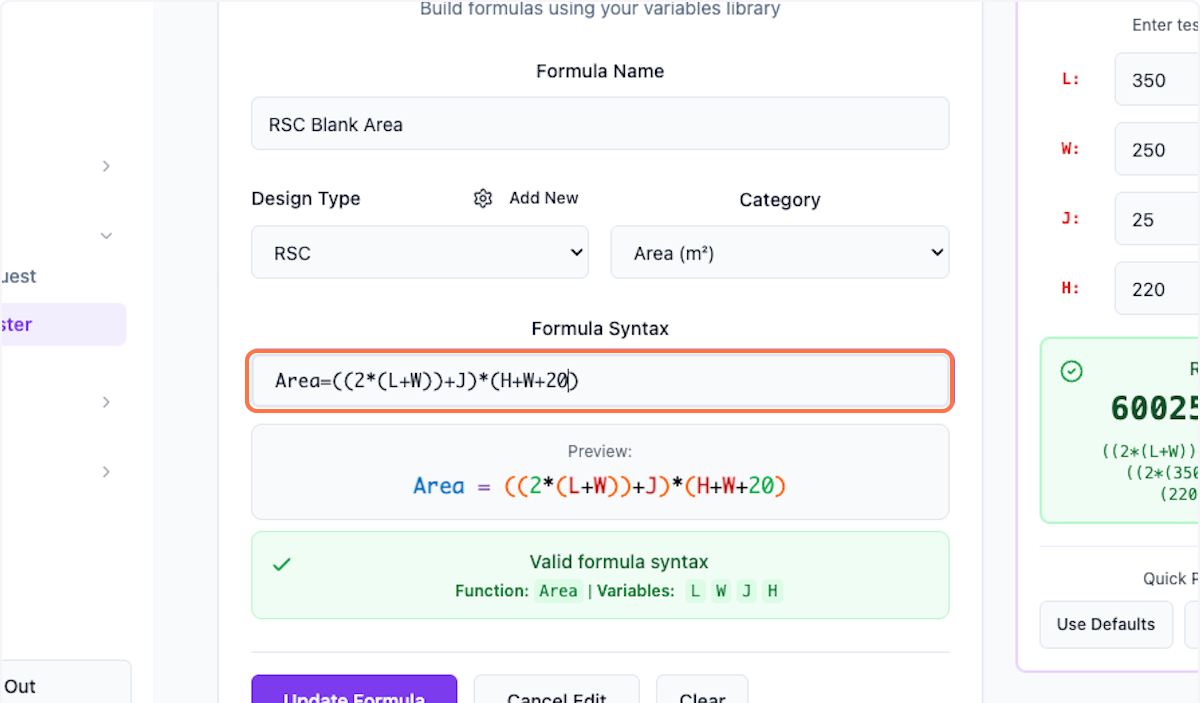
Step 5: Customize Formula
Make changes to customize the formula as per your requirements.
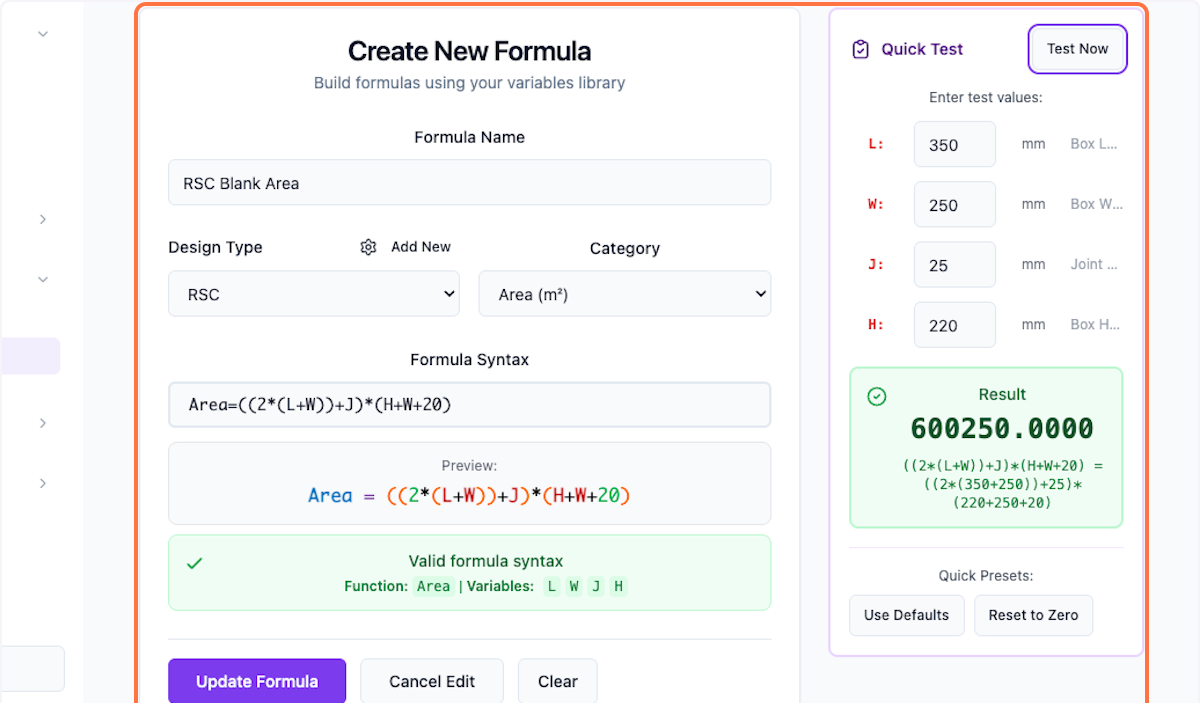
Step 6: Test Formula
You can test the formula with the right side panel.
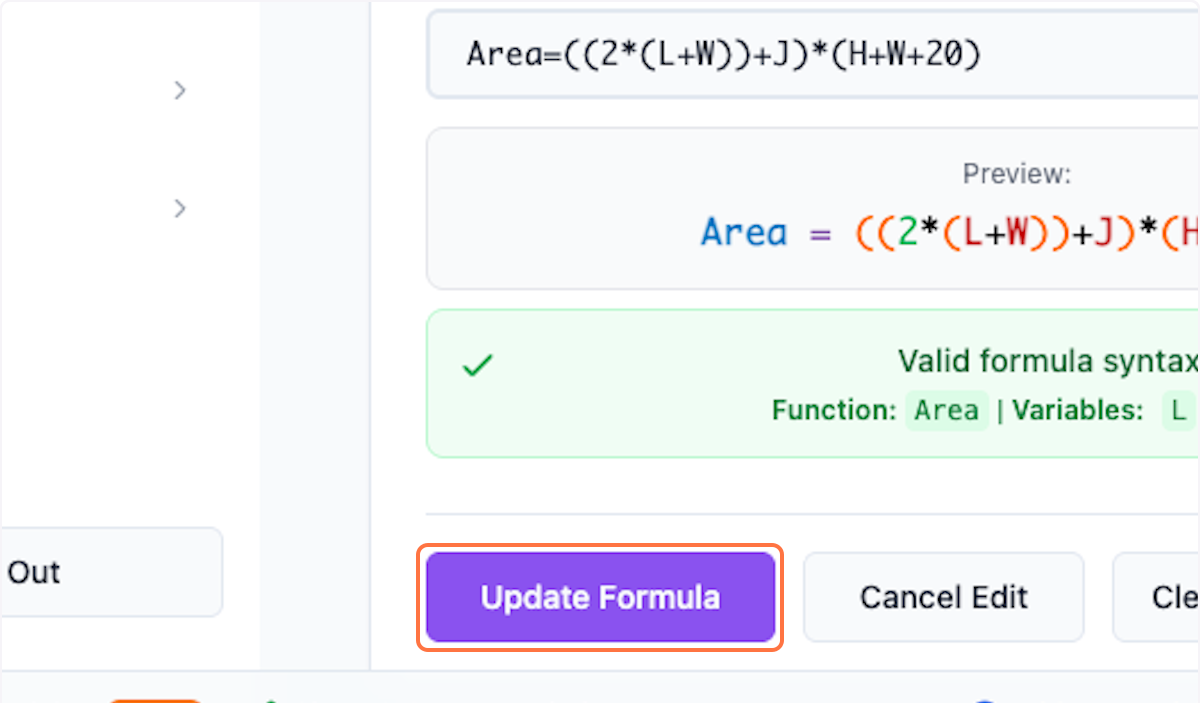
Step 7: Save Changes
Click Update Formula to save the changes.
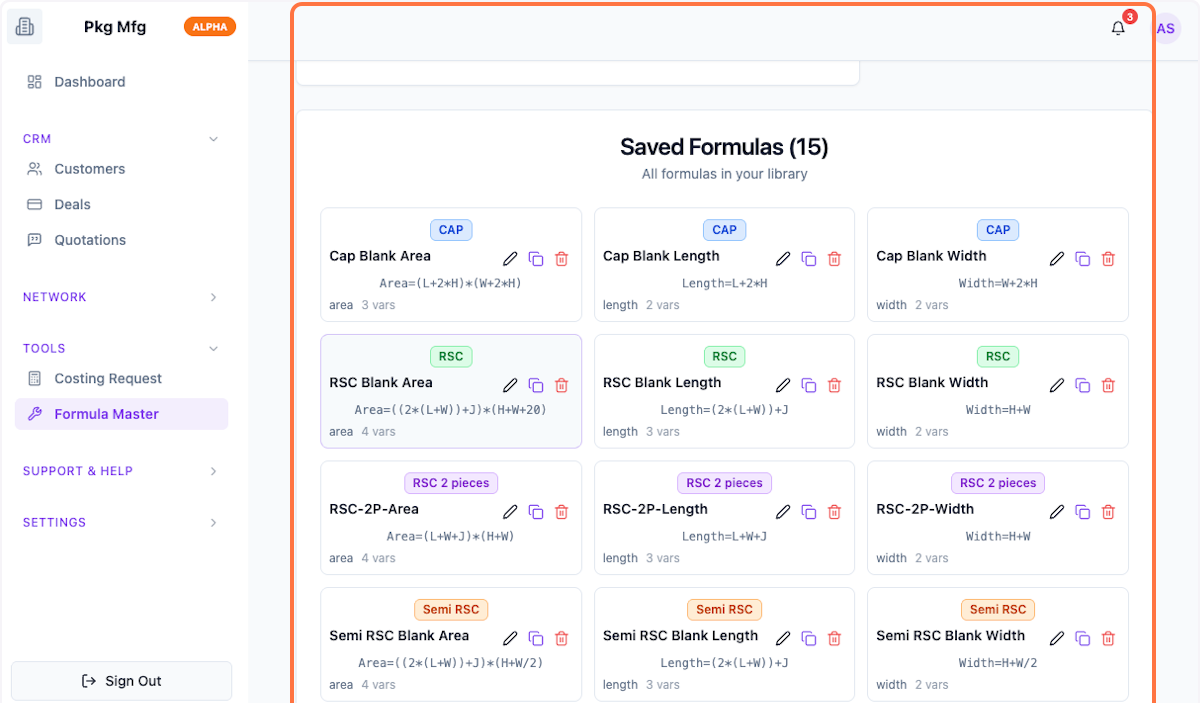
Step 8: Preview Changes
Preview the changes done to the formula.
What's Next?
After customizing formulas, you can:
- Configure variables used in formulas
- Set up constants for calculations
- Test with sample data
Was this helpful?
Let us know if you need more help.