Request Costing
Request cost calculations for box specifications from your costing team in PackWares CMS.
Open in AppLearn how to request box costing in PackWares CMS. This process requires a deal with status 'New Lead' to already exist.
Requesting Costing for a Deal
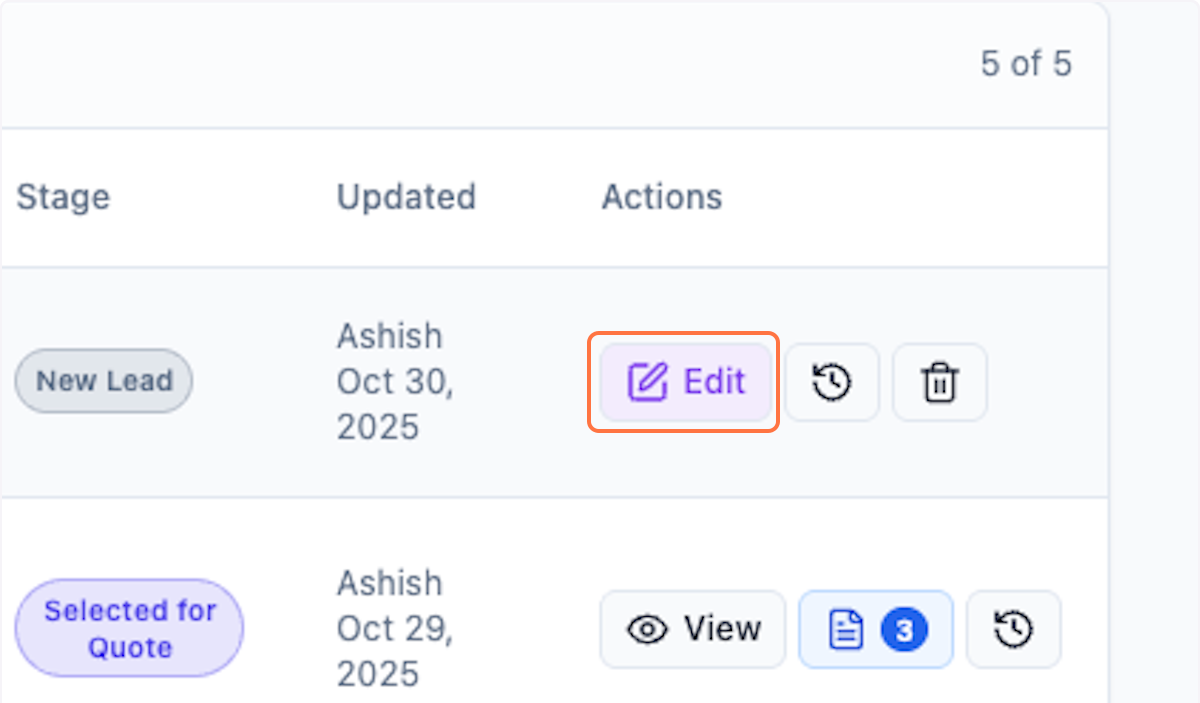
Step 1: Click on Edit
Open the deal you want to request costing for.
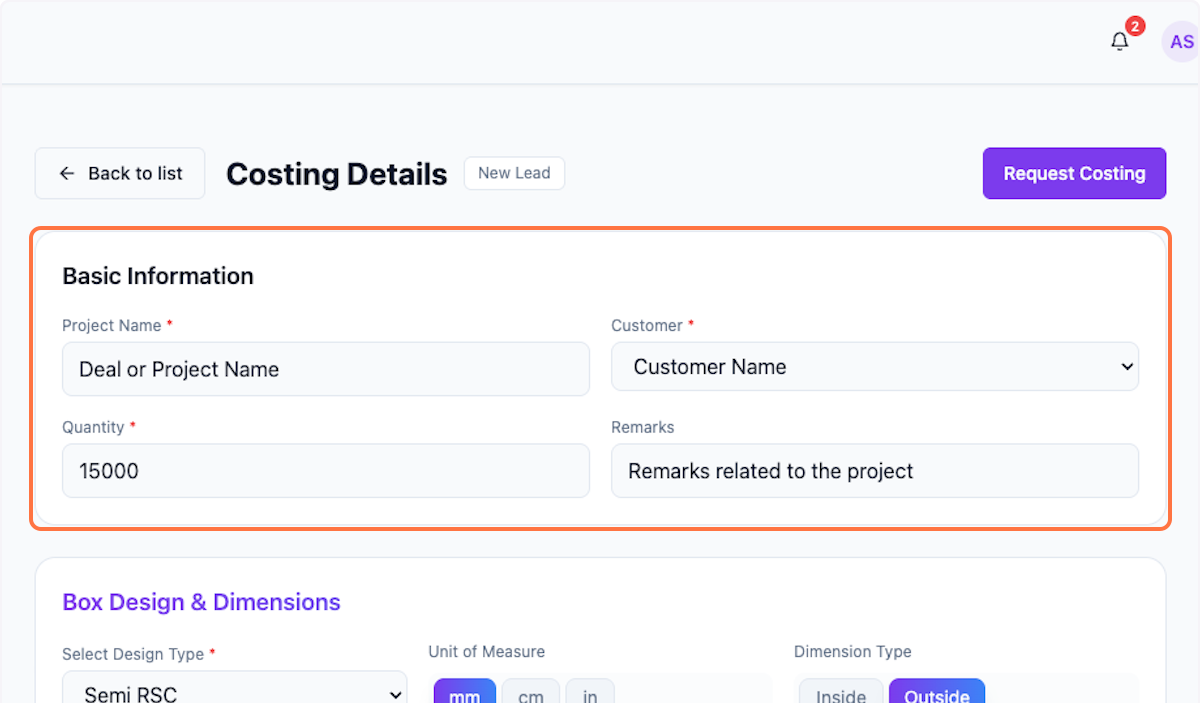
Step 2: Review Basic Information
Double-check that everything's in place and ready to go.
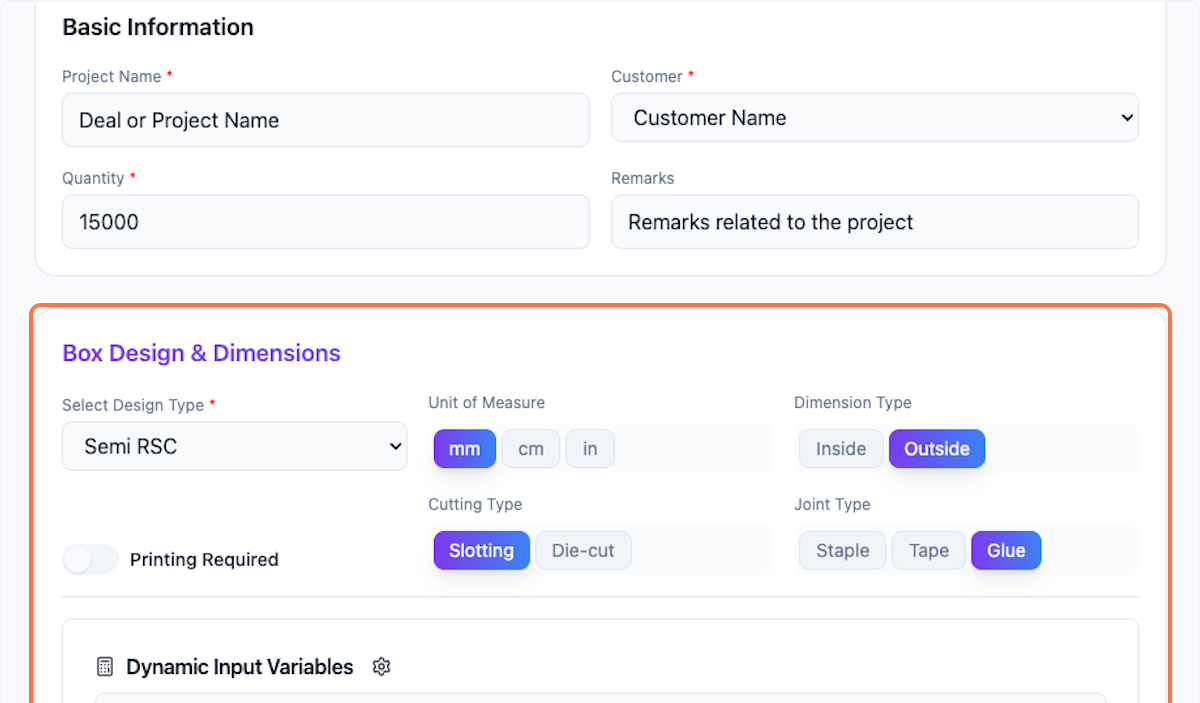
Step 3: Verify Box Design & Dimensions
Double-check that everything's in place and ready to go.
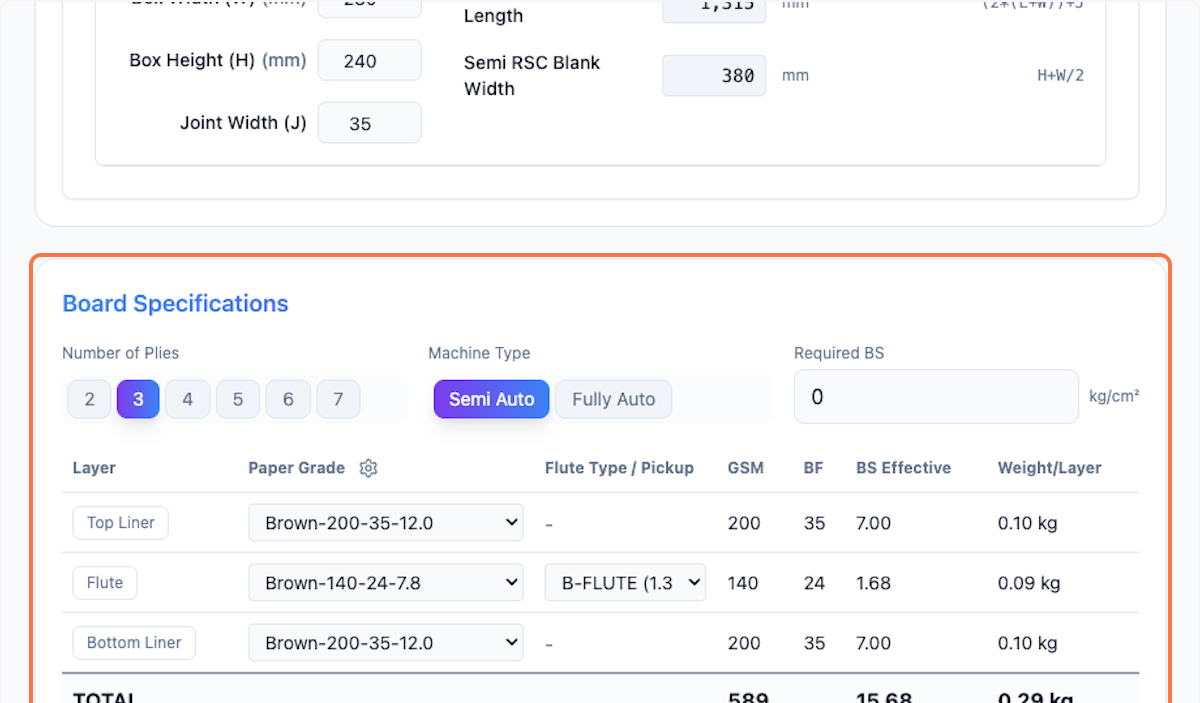
Step 4: Check Board Specifications
Review all board specifications before requesting costing.
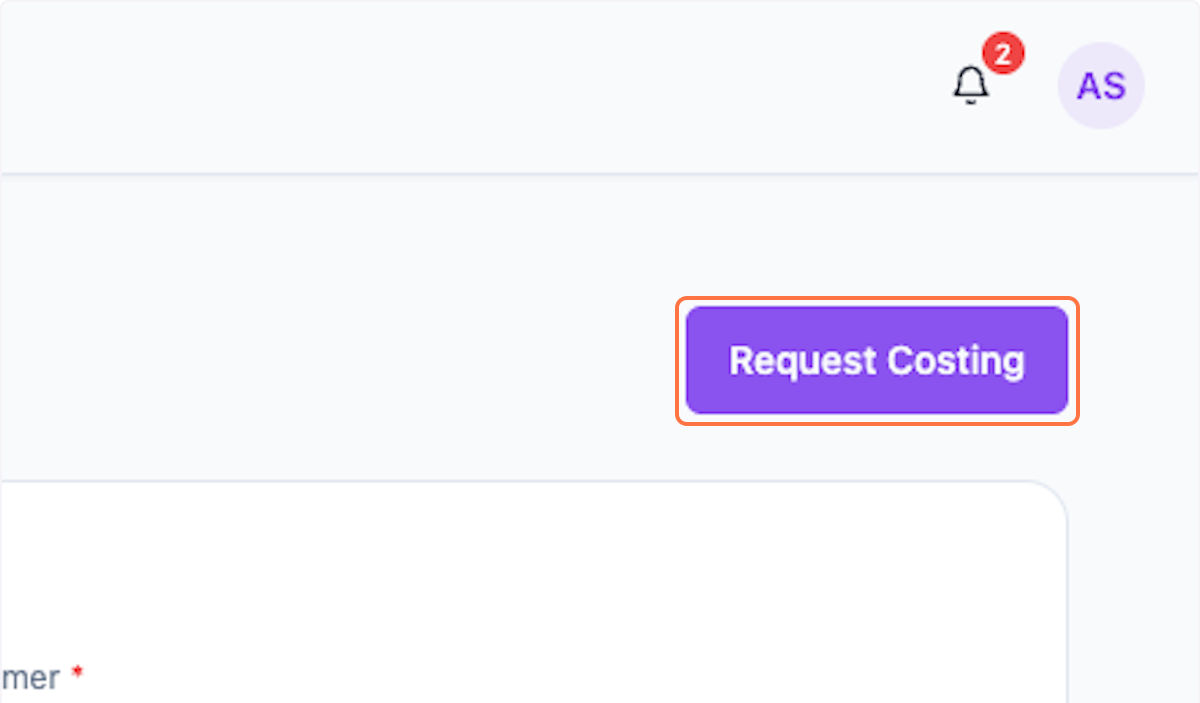
Step 5: Request Costing
Click Request Costing to initiate the costing request to the right person.
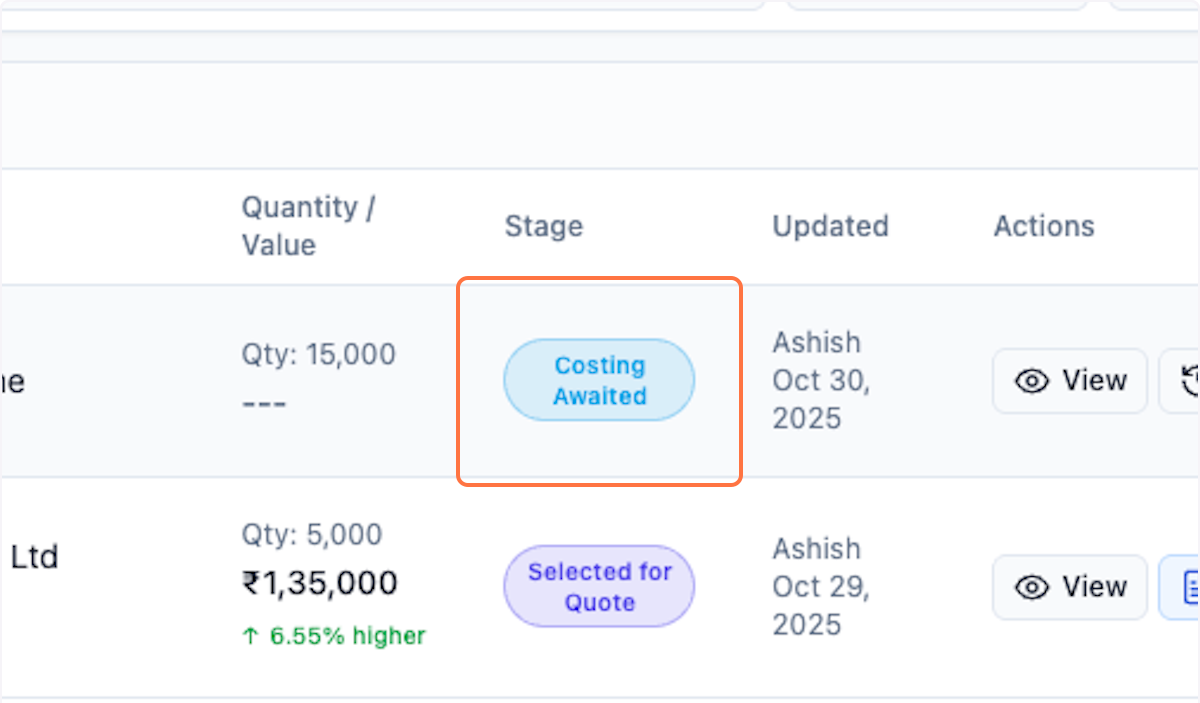
Step 6: View Status Change
You can see the status change to Costing Awaited in the list. This record is now read-only — you can view it but can't make changes.
What's Next?
You'll need to follow up with the costing person to finish the costing before moving to quotation creation.
After costing is complete, you can:
- Review the calculated costs
- Generate quotations for the customer
- Track deal progress
Was this helpful?
Let us know if you need more help.