Naming Convention
Set up naming standards for your organization in PackWares CMS.
Open in AppLearn how to configure naming conventions in PackWares CMS. Customize naming patterns for deals, quotations, and more.
Accessing Naming Conventions
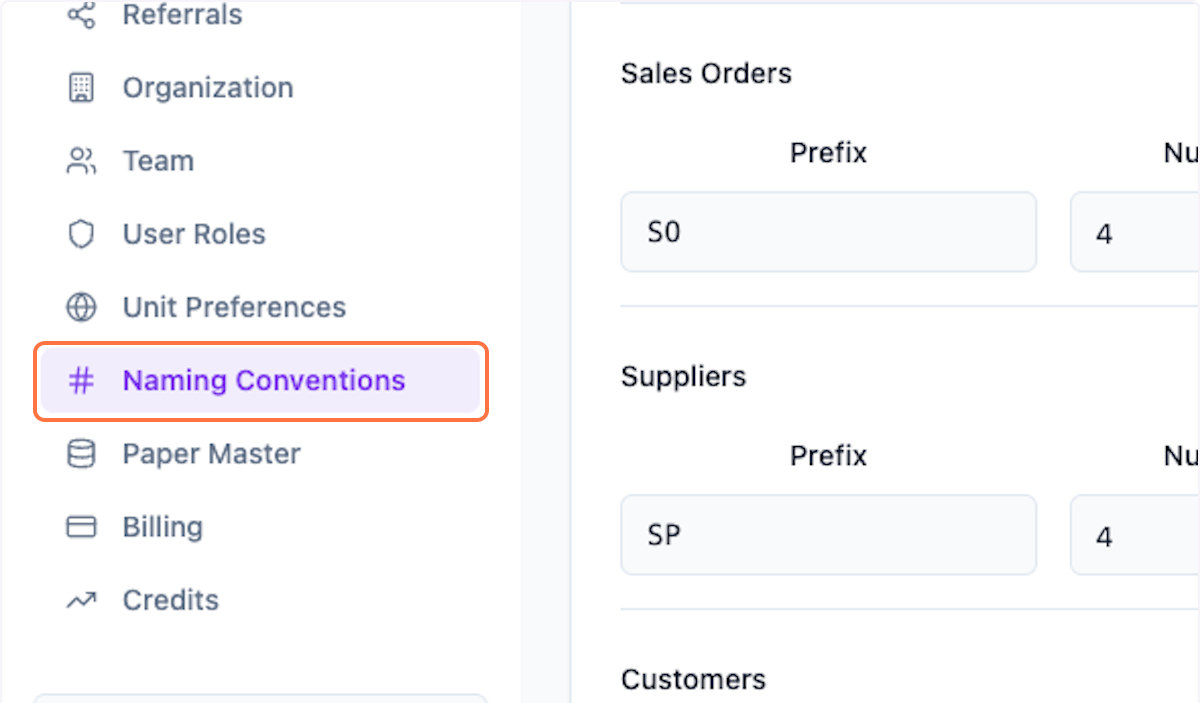
Step 1: Open Naming Conventions
Click on Settings > Naming Conventions from the menu.
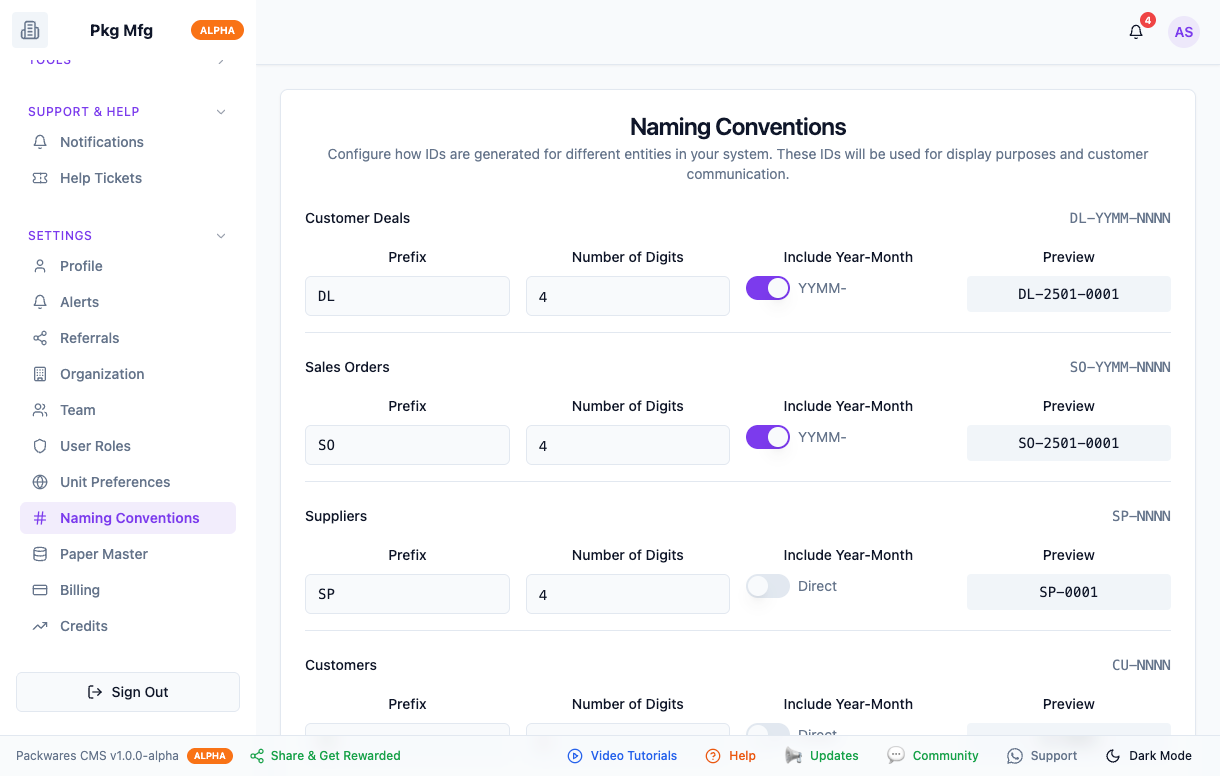
Step 2: Preview All Conventions
Preview all the preset naming conventions. You can leave them as is or customize them as per your internal process.
Configuring Naming Patterns
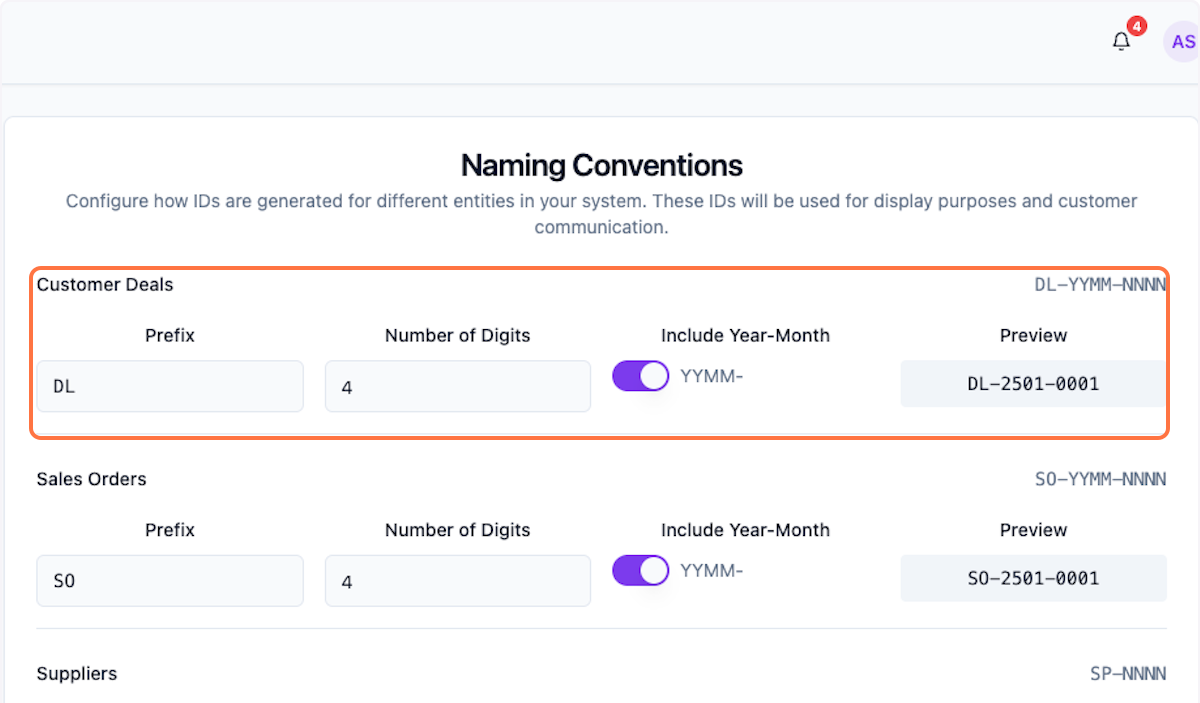
Step 3: Deals Naming
Review and customize deals naming pattern.
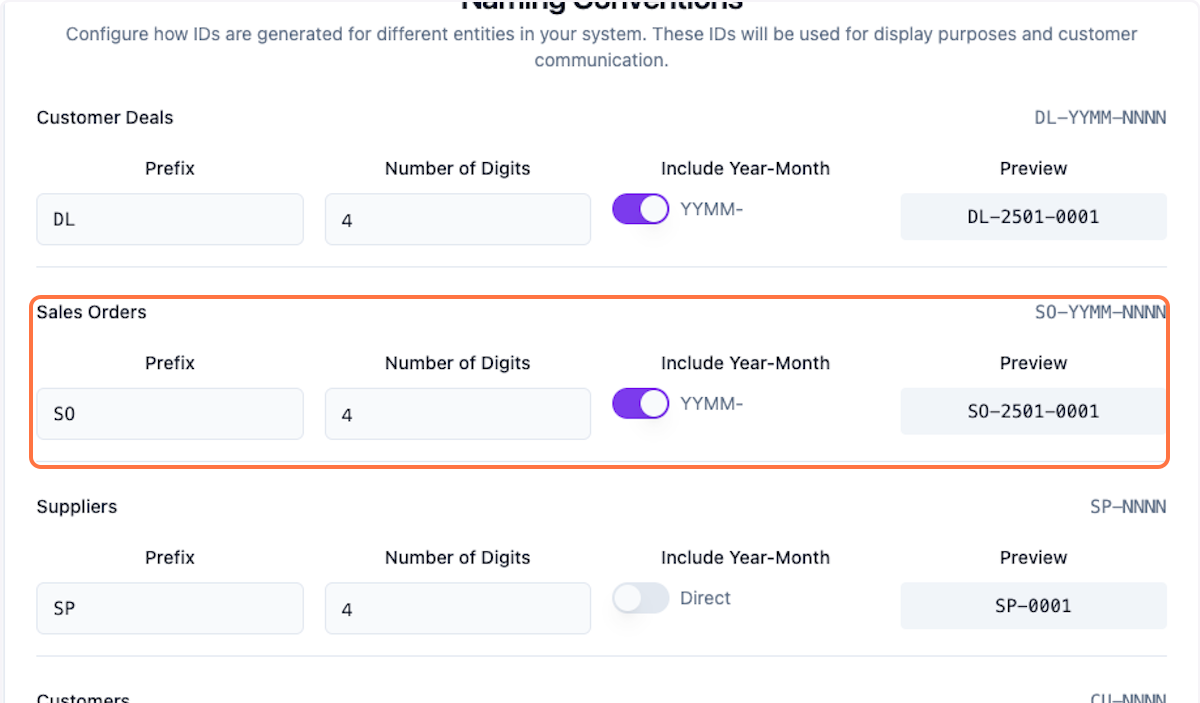
Step 4: Sales Order Naming
Review sales order naming pattern.
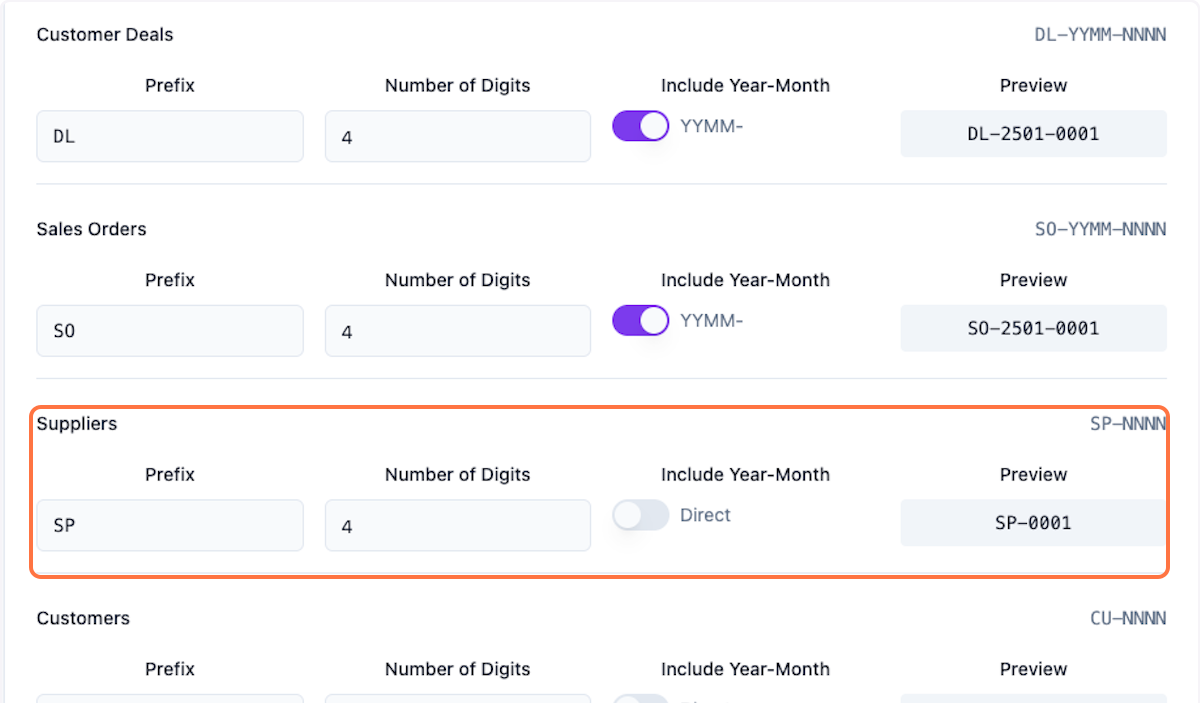
Step 5: Suppliers Naming
Review suppliers naming pattern.
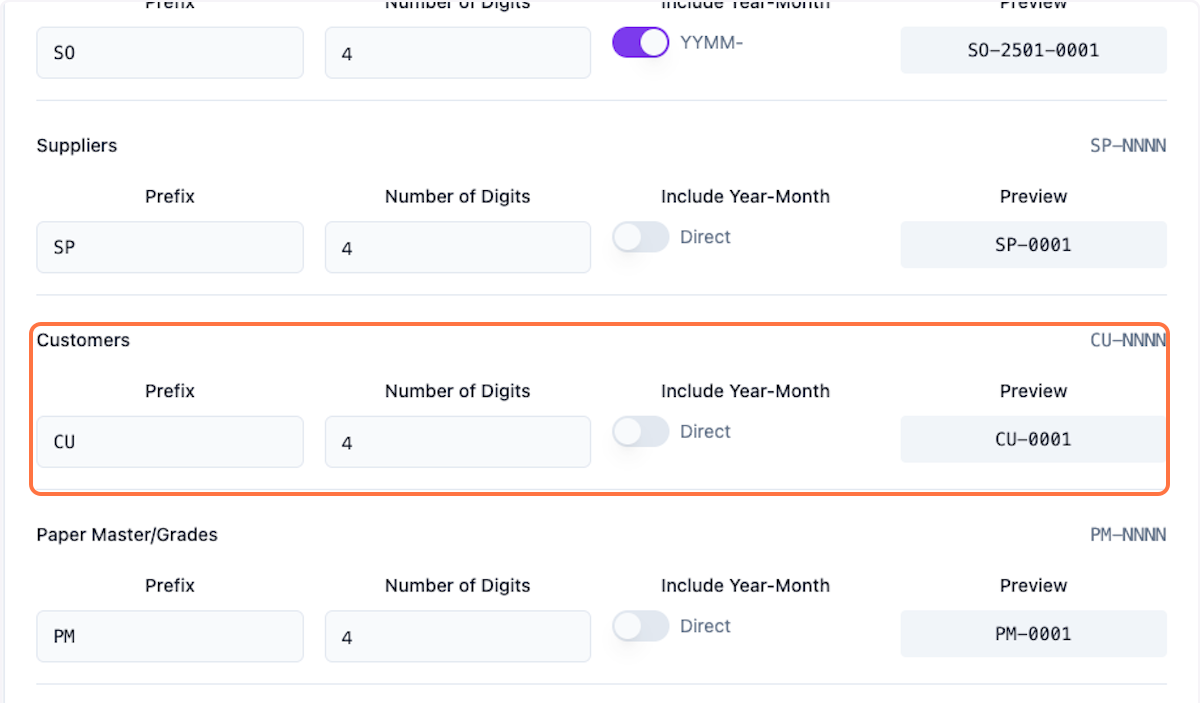
Step 6: Customers Naming
Review customers naming pattern.
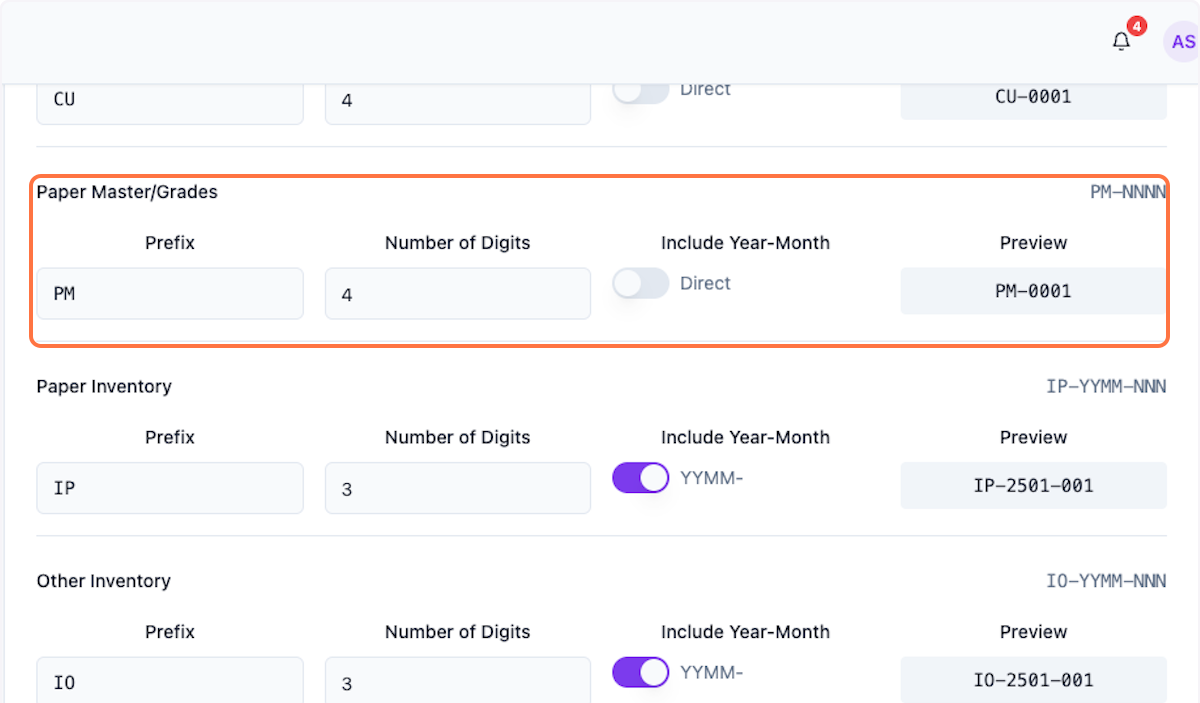
Step 7: Paper Master/Grades Naming
Review paper master/grades naming pattern.
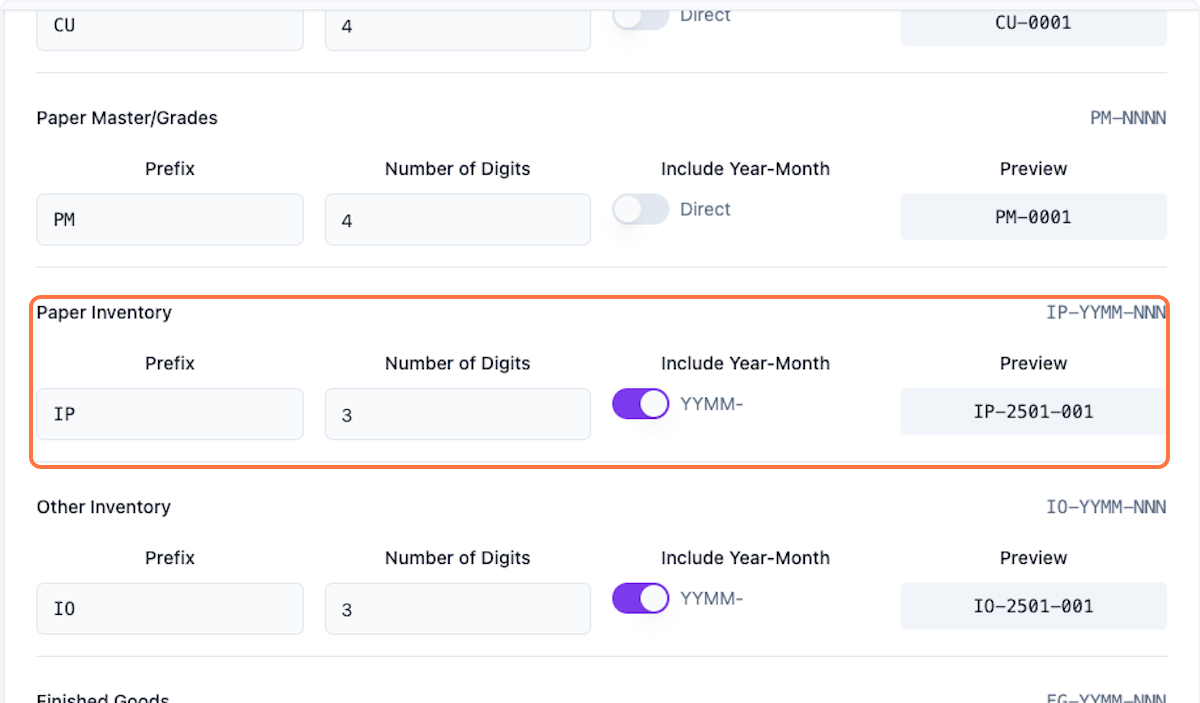
Step 8: Paper Inventory Naming
Review paper inventory naming pattern.
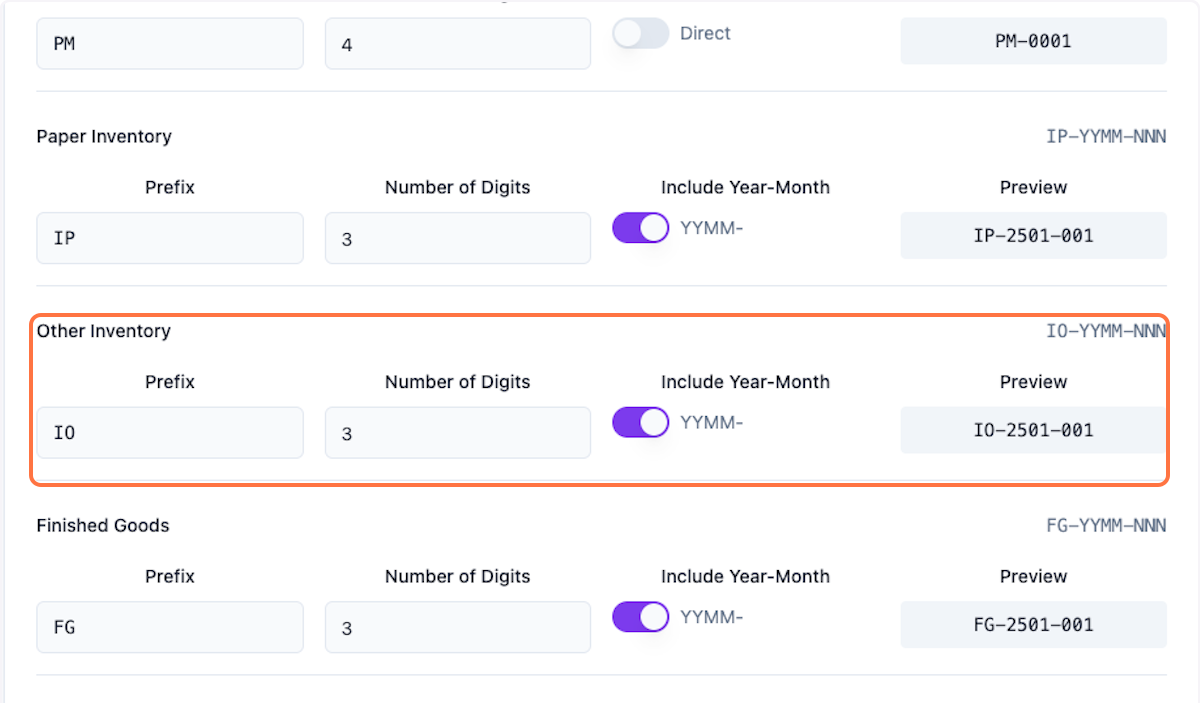
Step 9: Other Inventory Naming
Review other inventory naming pattern.
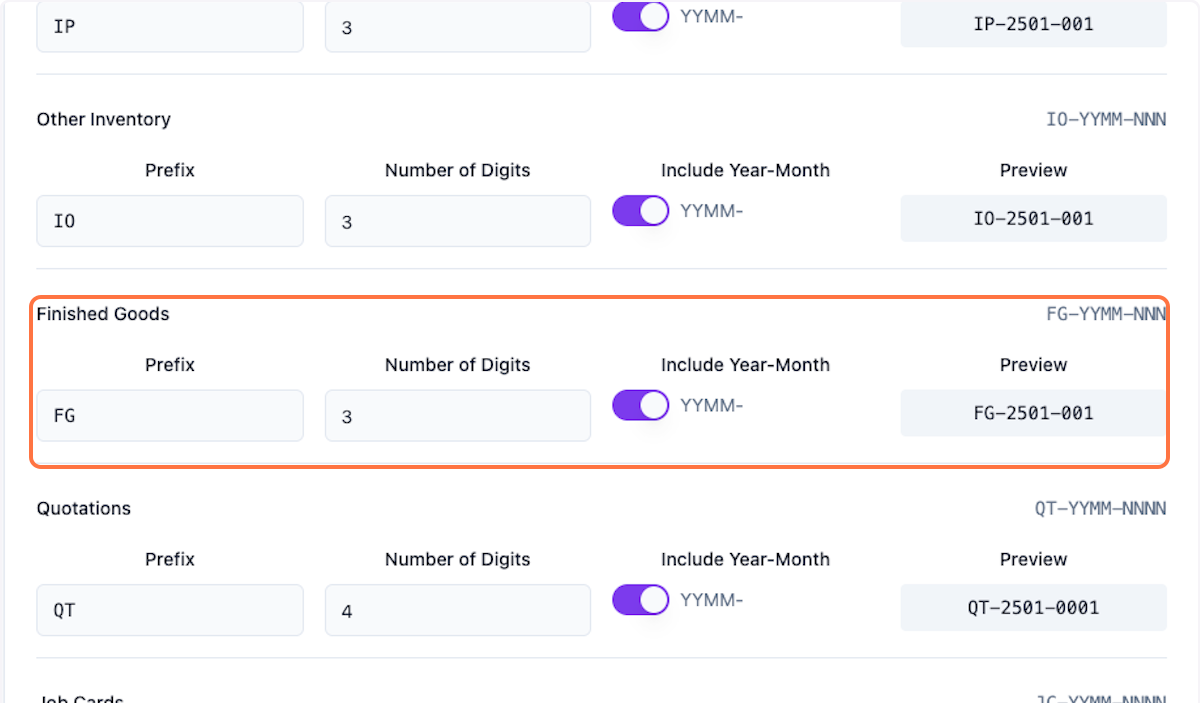
Step 10: Finished Goods Naming
Review finished goods naming pattern.
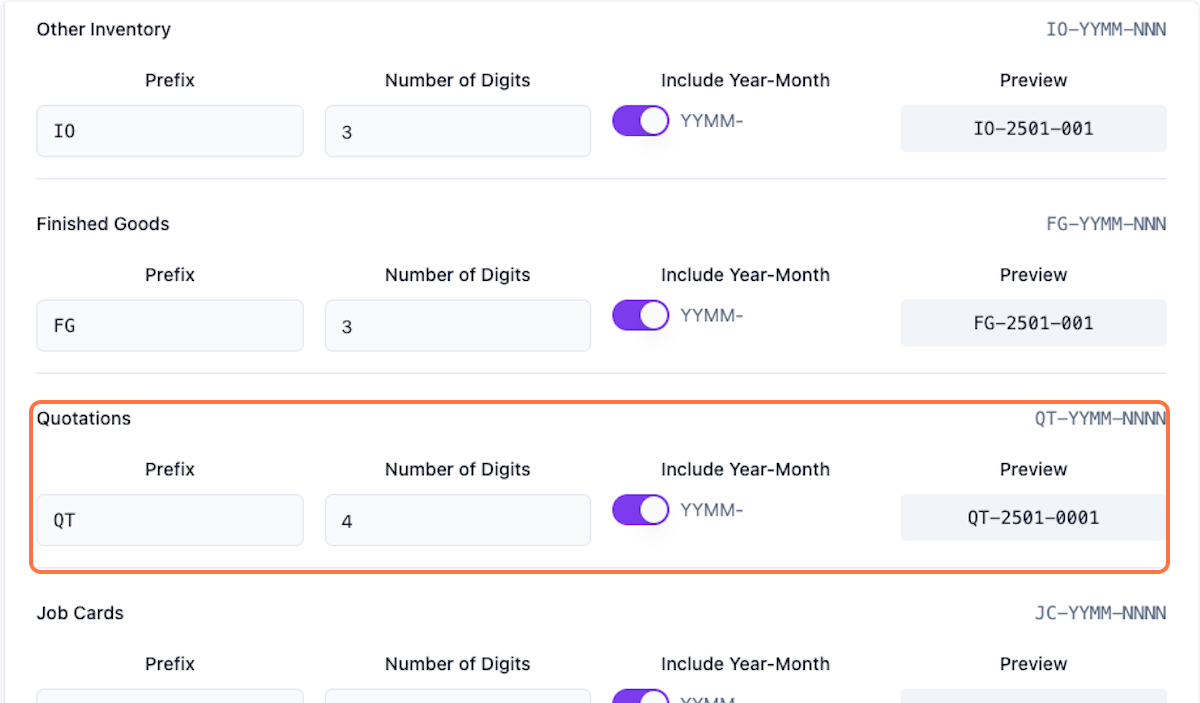
Step 11: Quotations Naming
Review quotations naming pattern.
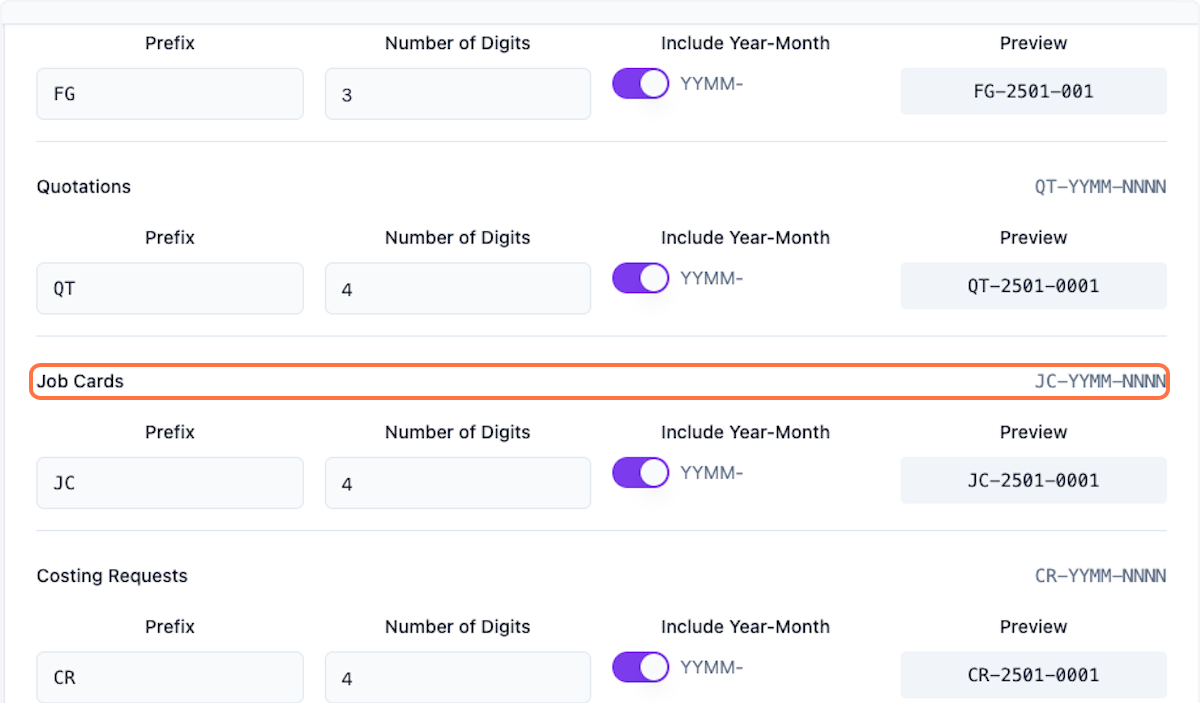
Step 12: Job Cards Naming
Review job cards naming pattern.
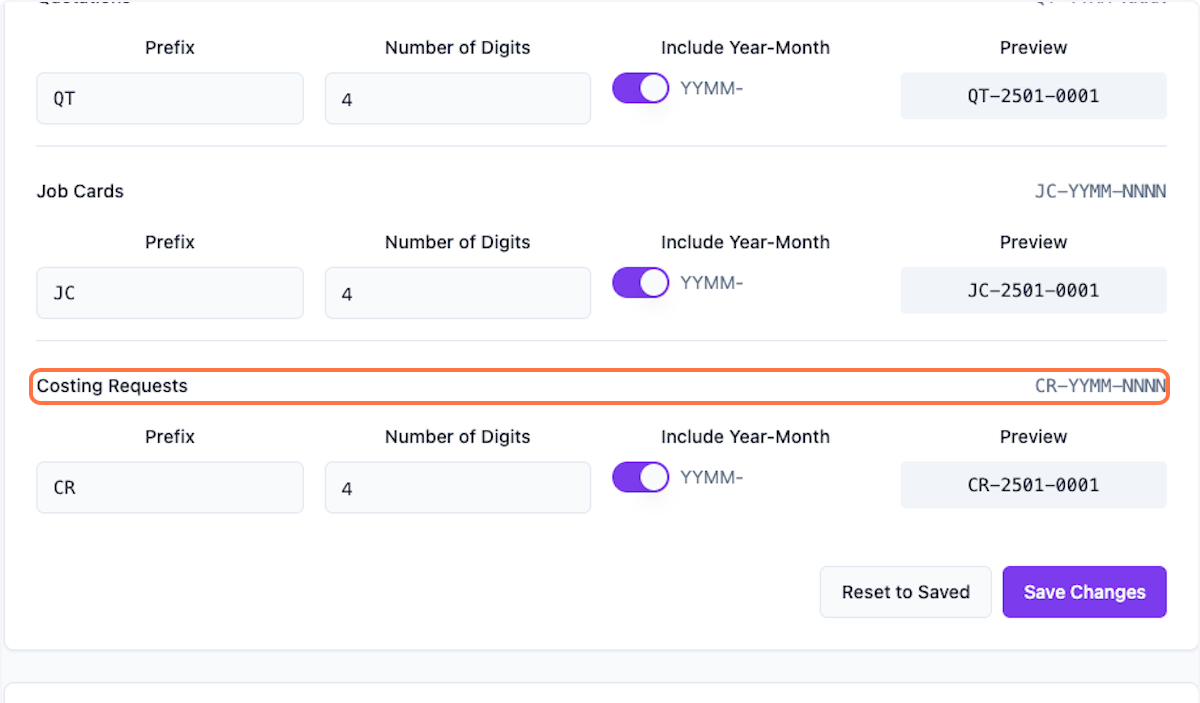
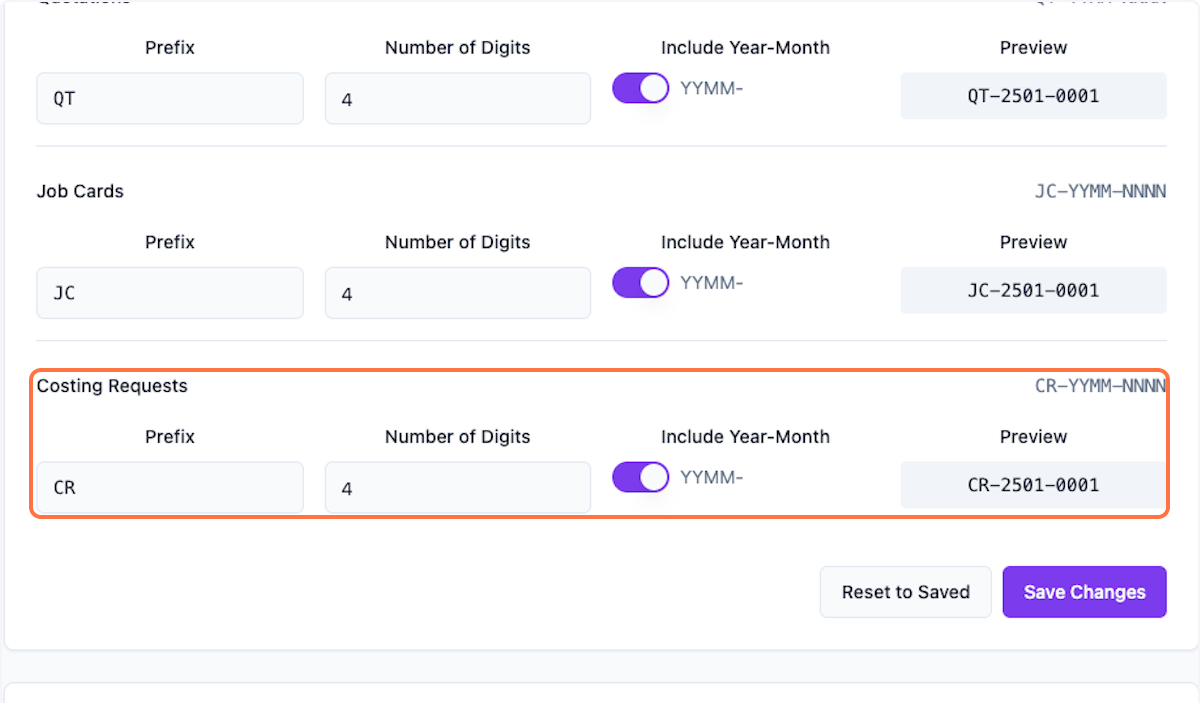
Step 13: Costing Requests Naming
Review costing requests naming pattern.
Step 14: Additional Settings
Review any additional naming settings.
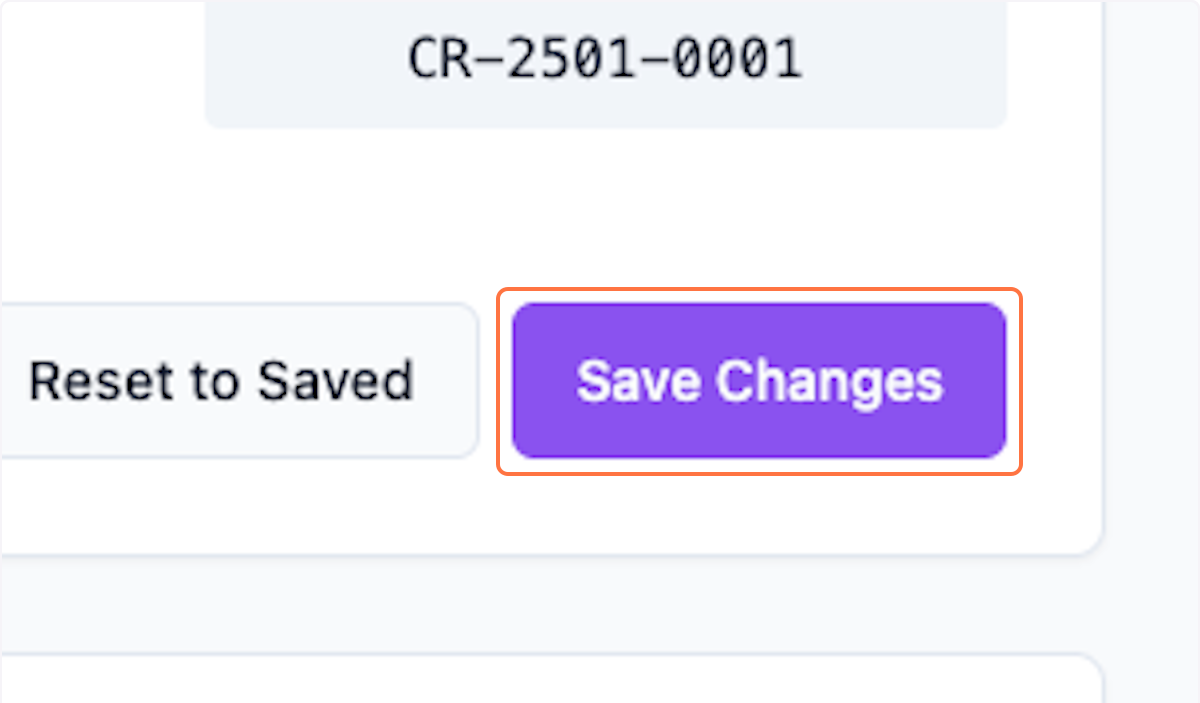
Step 15: Save Changes
Review all and click Save Changes.
What's Next?
After configuring naming conventions:
- Create deals with custom naming
- Generate quotations with your patterns
- Maintain consistent naming across your organization
Was this helpful?
Let us know if you need more help.