Paper Grade
Configure paper grade specifications in PackWares CMS.
Open in AppLearn how to add and manage paper grades in PackWares CMS. These master papers are required to run costing and manage inventory.
Accessing Paper Master
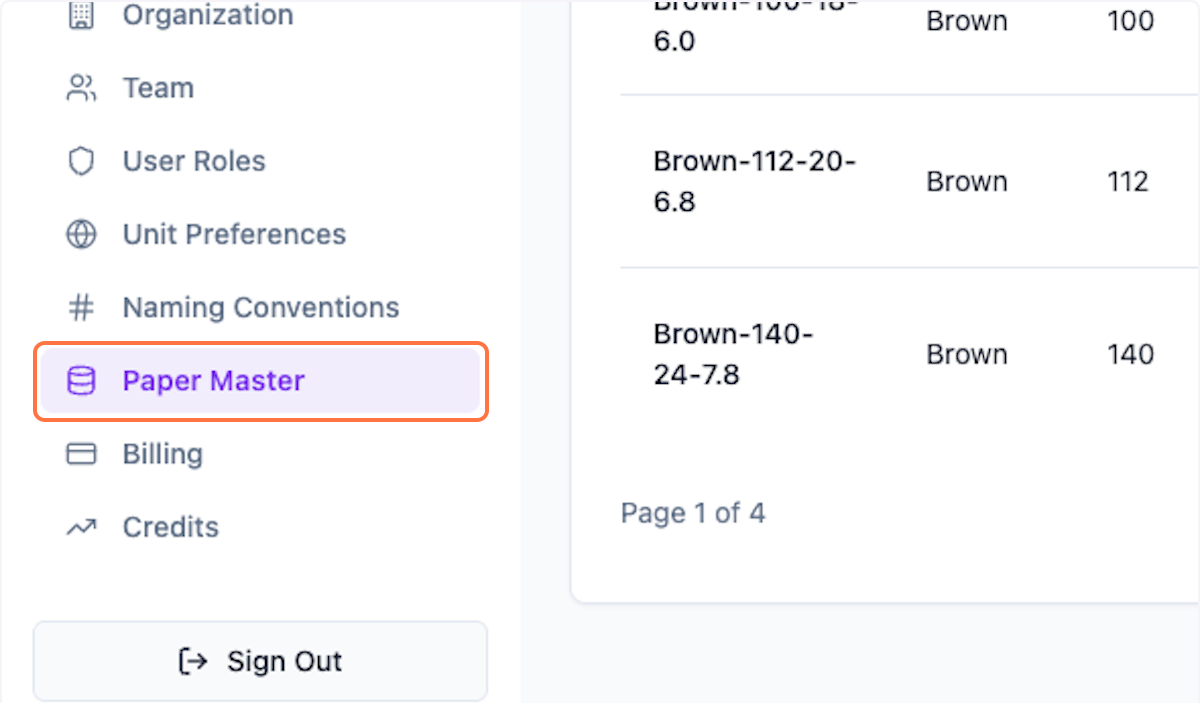
Step 1: Open Paper Master
Click on Settings > Paper Master from the menu.
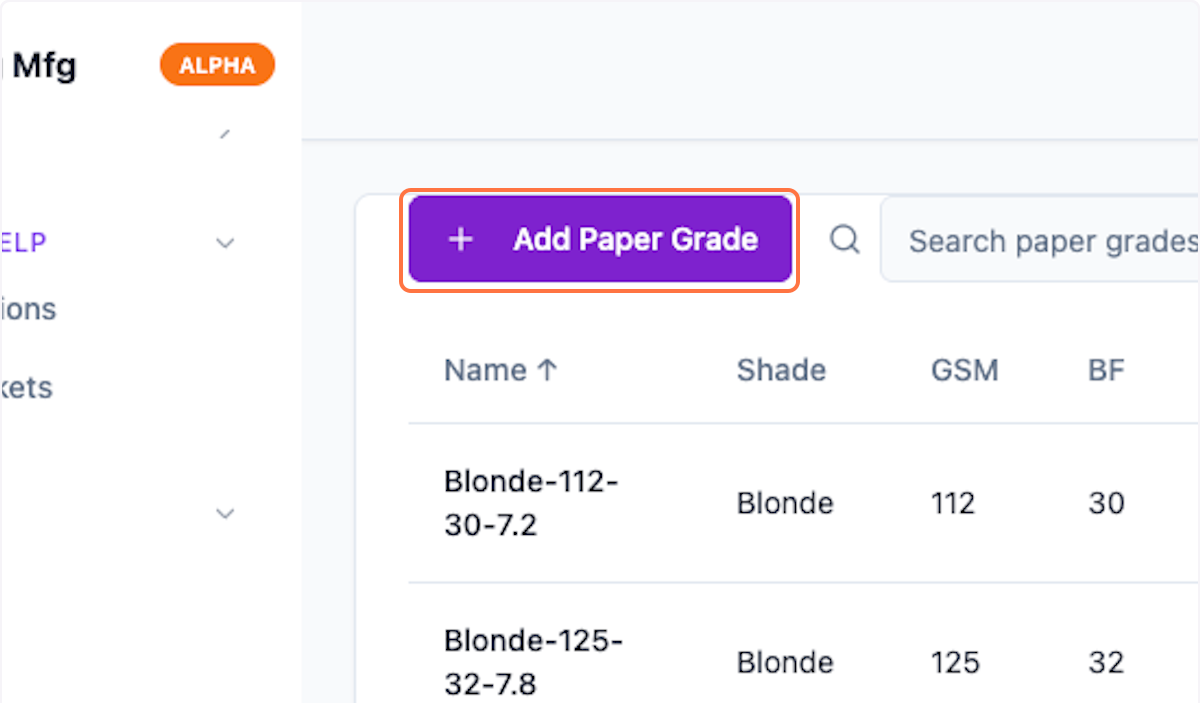
Step 2: Add Paper Grade
Click on Add Paper Grade to add a new paper grade.
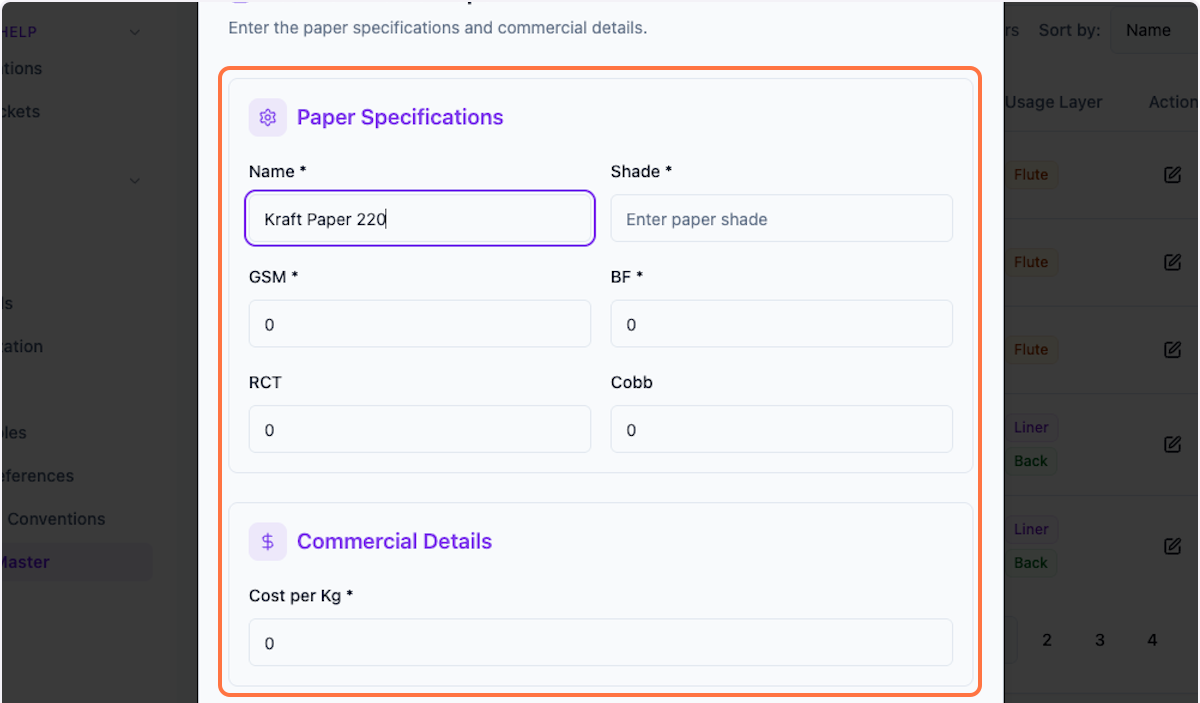
Step 3: Enter Details
Enter all the necessary details in the form.
Step 4: Save Paper Grade
Click Save to create the paper grade.

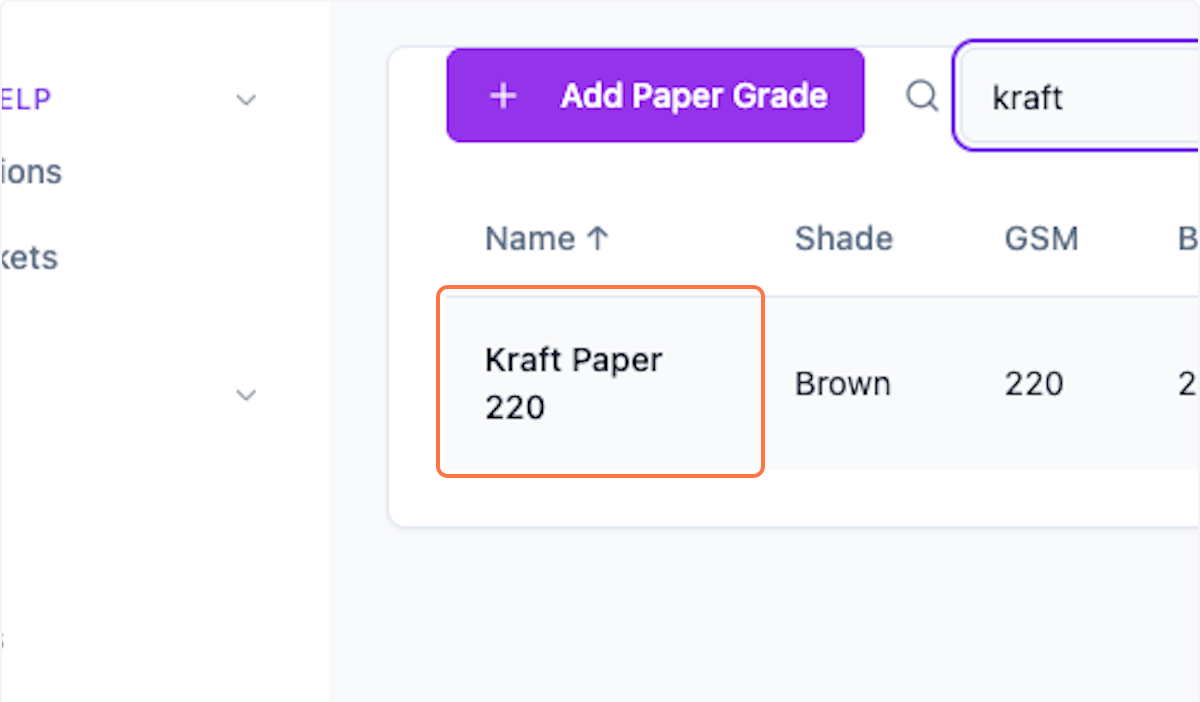
Step 5: Search Paper Grades
Preview the paper grade using the search filter.
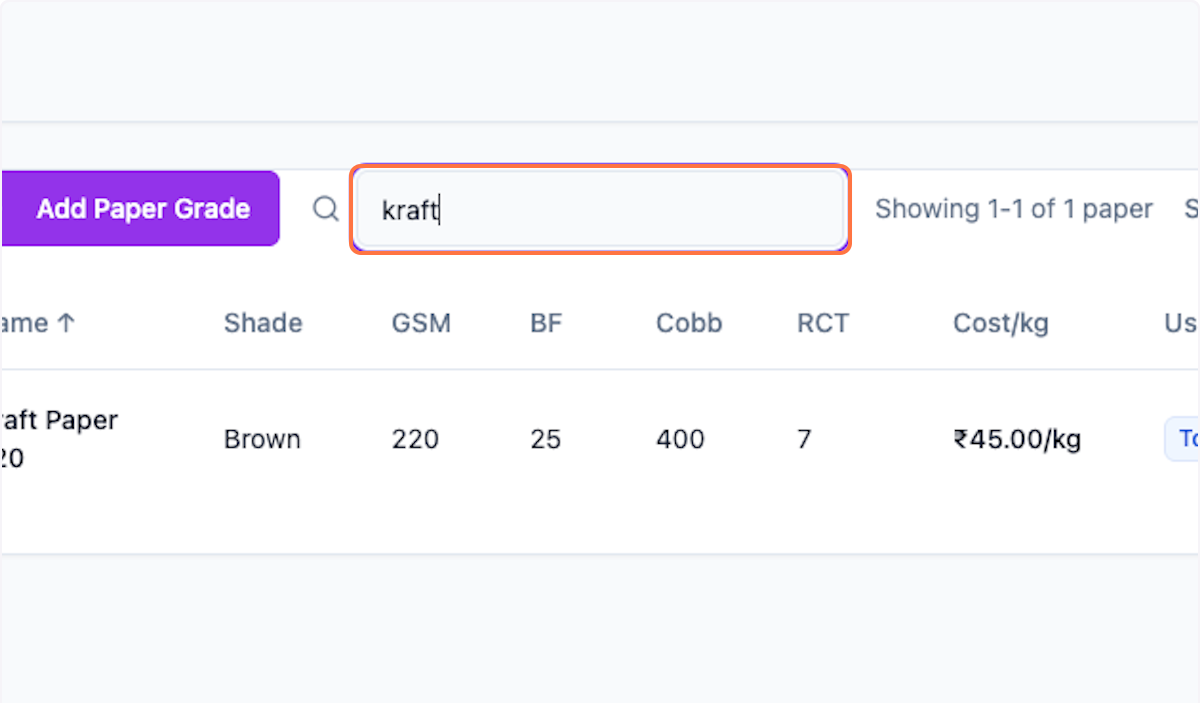
Step 6: View Created Grade
View the recently created paper grade in the list.
What's Next?
After adding paper grades:
- Use them in costing calculations
- Manage paper inventory
- Track paper consumption
Was this helpful?
Let us know if you need more help.