Profile Settings
Manage your profile information and preferences in PackWares CMS.
Open in AppLearn how to manage your profile settings in PackWares CMS.
Accessing Profile Settings
Step 1: Open Profile Settings
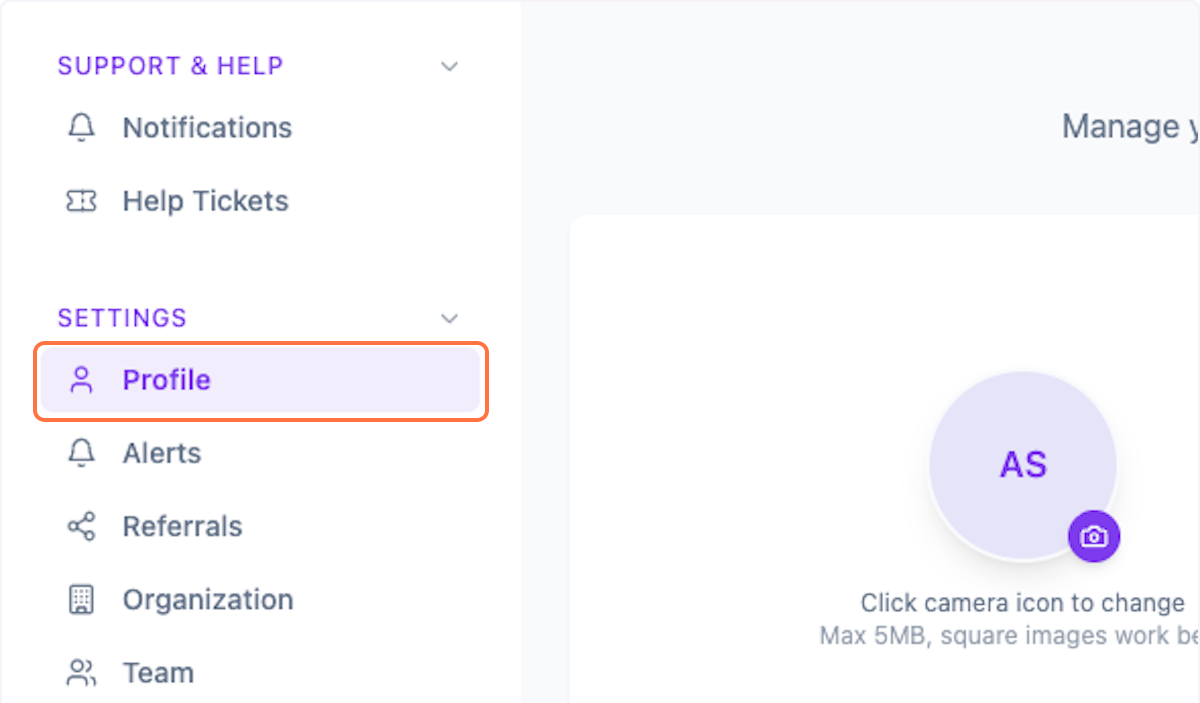
Click on Settings > Profile from the menu.
Step 2: Upload Profile Image
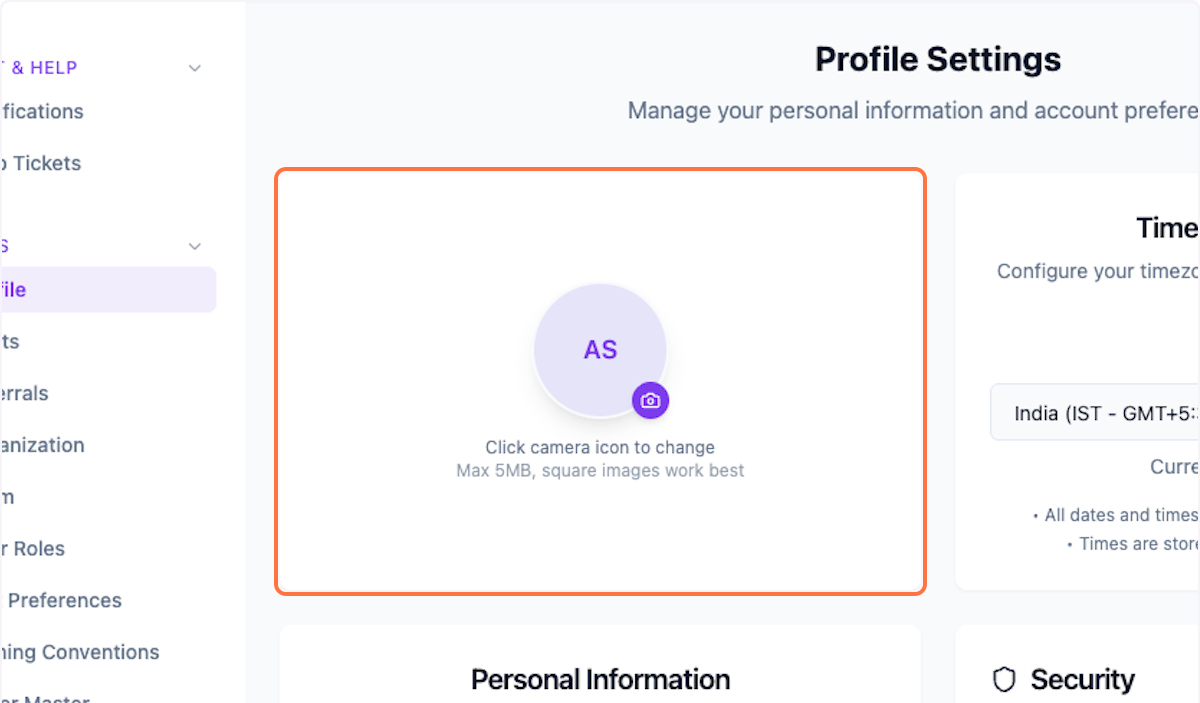
Upload your profile image for personalization.
Step 3: Update Timezone
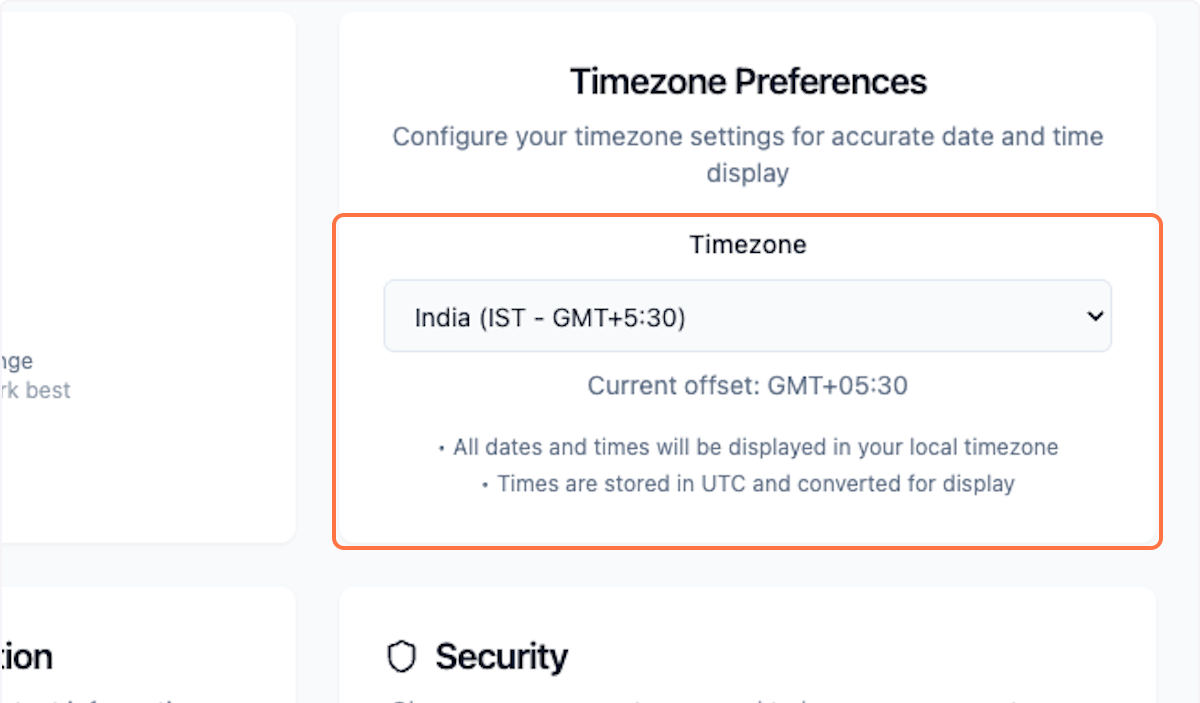
Update your timezone for accurate scheduling.
Step 4: Save Changes
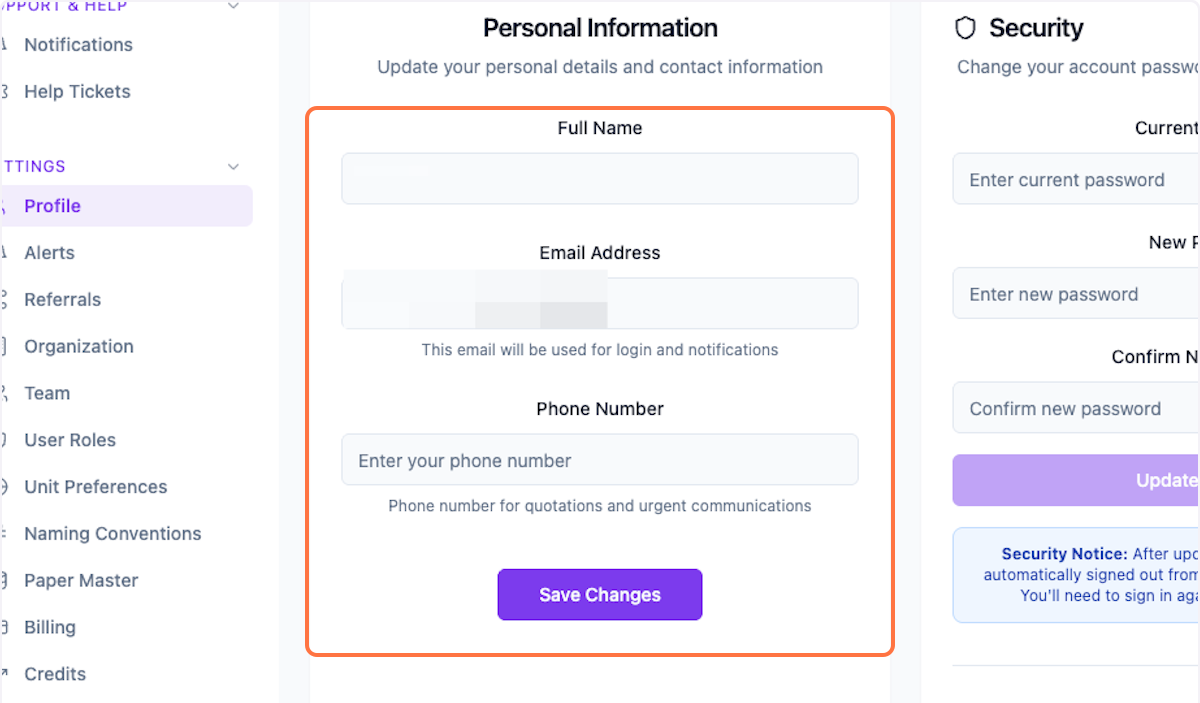
Update your personal info and save changes.
What's Next?
After updating your profile, you can:
- Configure team settings
- Set up user roles
- Customize naming conventions
Was this helpful?
Let us know if you need more help.