Referral System
Earn credits through referrals and use the app for free in PackWares CMS.
Open in AppLearn how to use the referral system in PackWares CMS. Earn credits through referrals and use the app for free.
Accessing Referral Settings
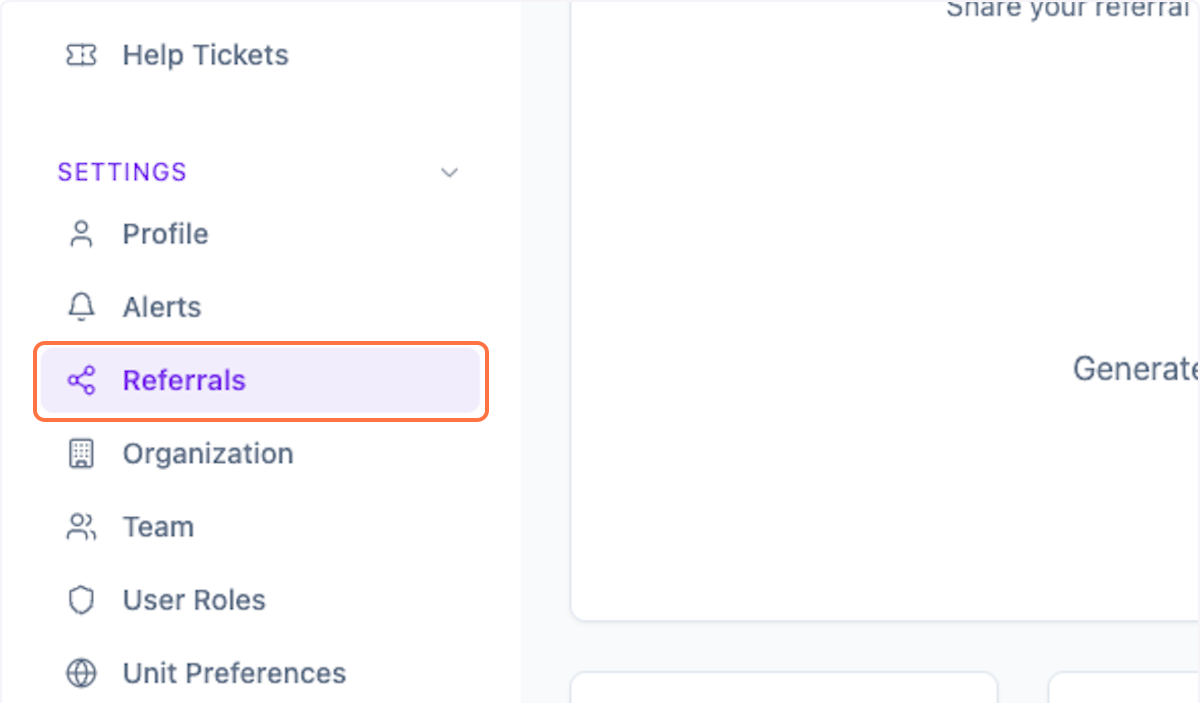
Step 1: Open Referral Settings
Click on Settings > Referrals from the menu.
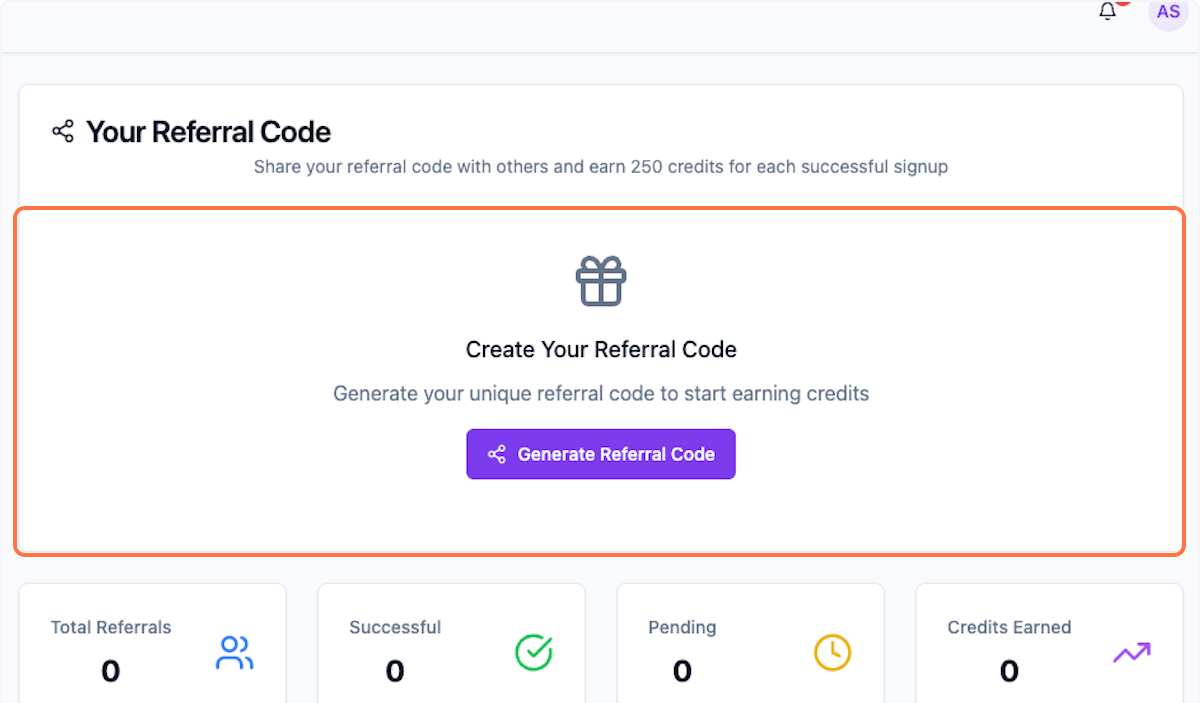
Step 2: Check Existing Code
Check if you already have a referral code.
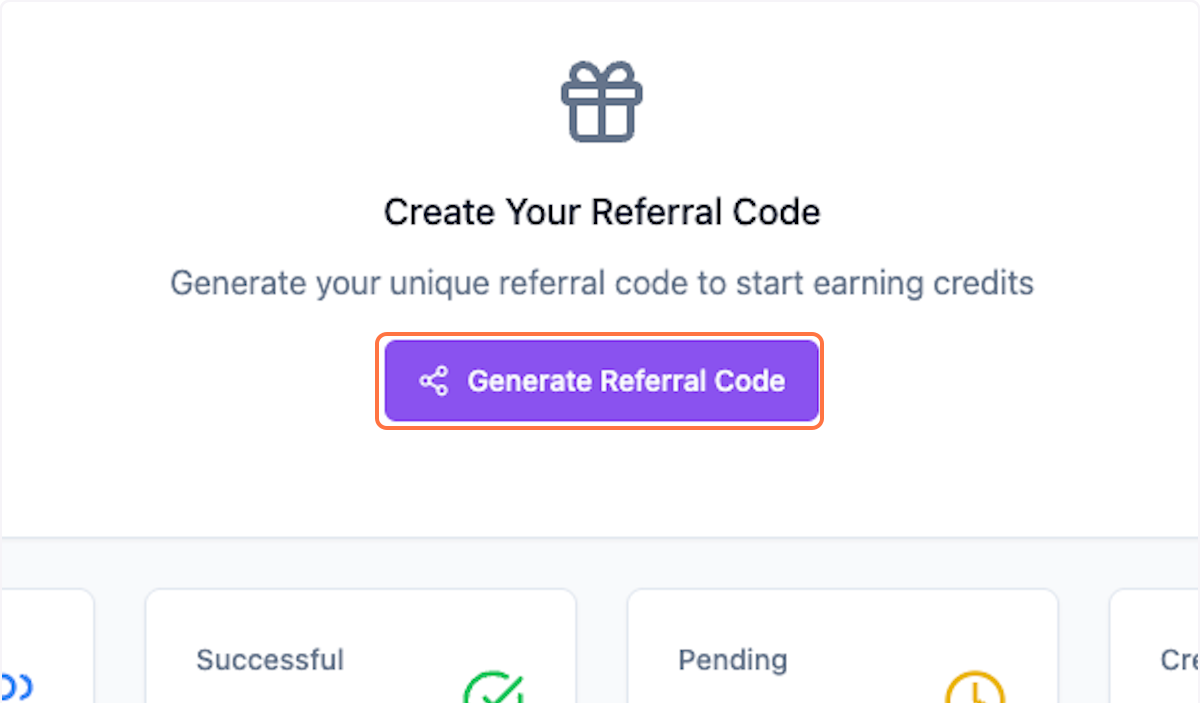
Step 3: Generate Code
If you don't have one, click on Generate Referral Code.
Step 4: View Your Code
You can now see your referral code.
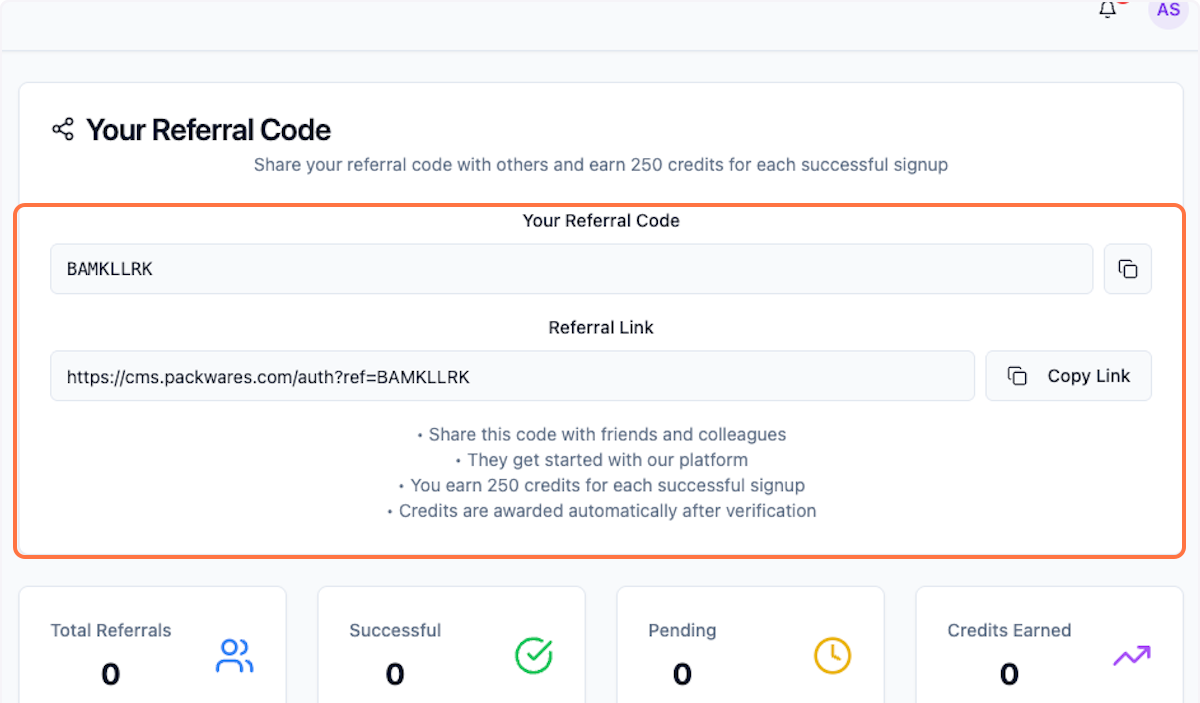
Step 5: Share Your Link
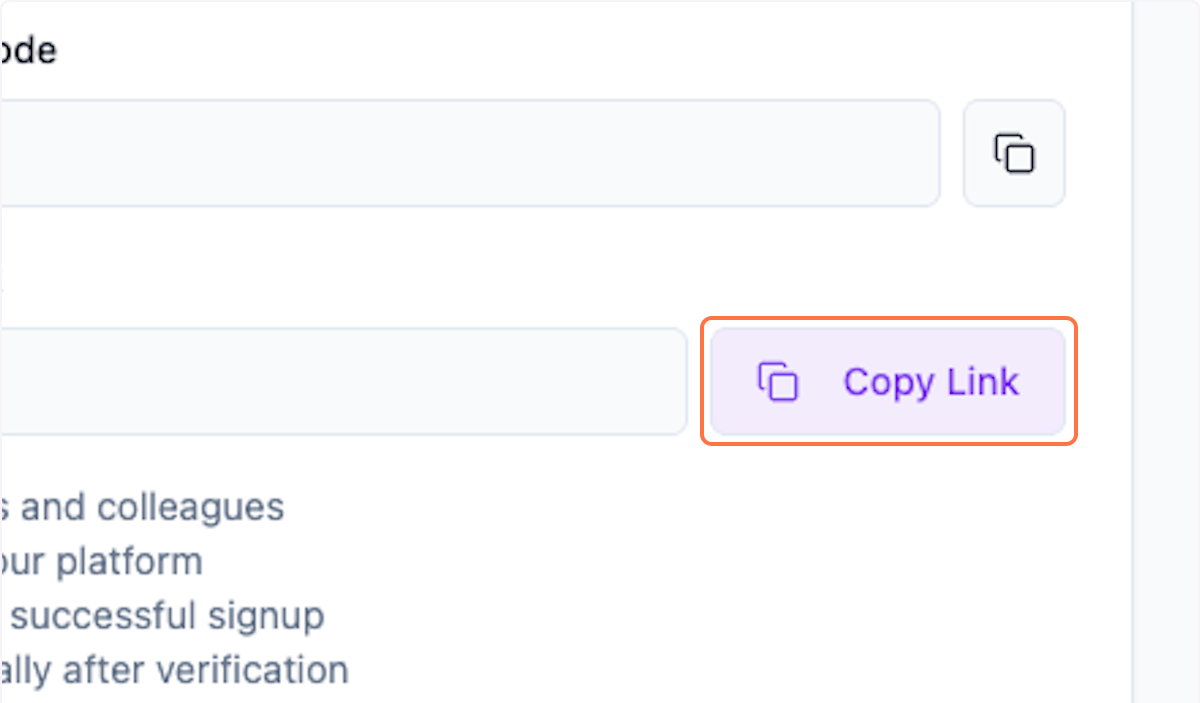
Click on Copy Link and share in your network.
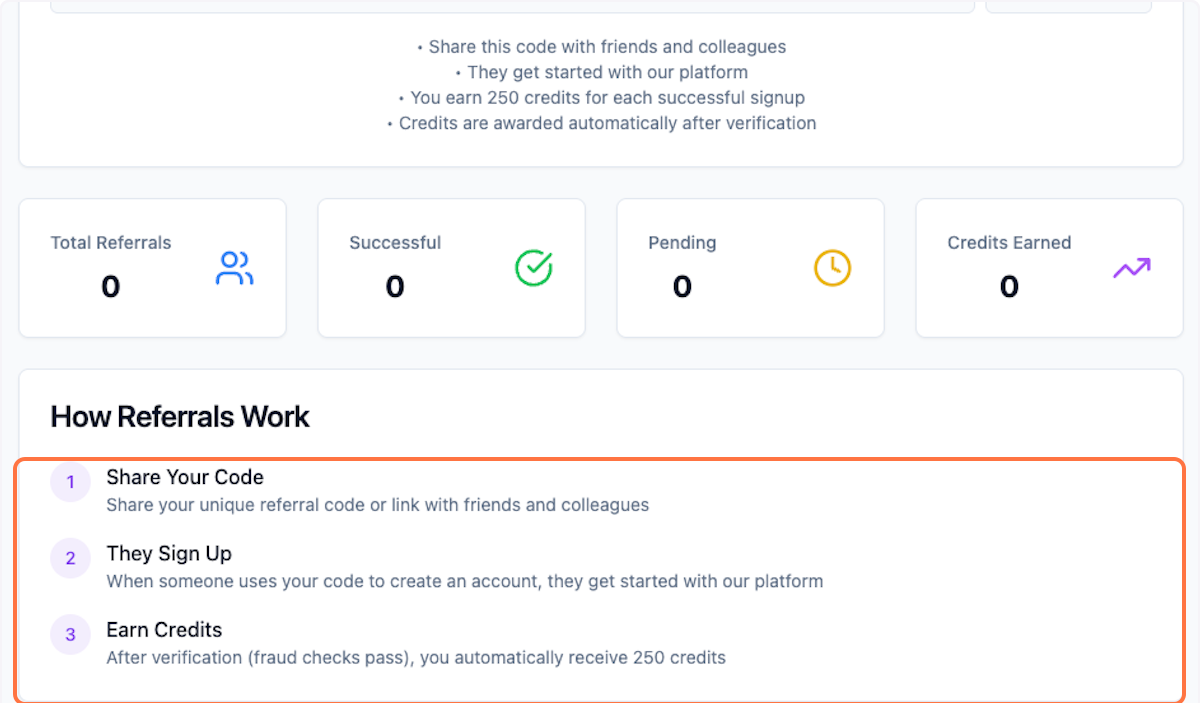
Step 6: How Referrals Work
Learn how the referral program works.
What's Next?
After setting up referrals:
- Share your link with colleagues
- Earn credits when they sign up
- Use credits for premium features
Was this helpful?
Let us know if you need more help.