Unit of Measure
Configure unit preferences for measurements in PackWares CMS.
Open in AppLearn how to configure unit preferences in PackWares CMS. Set up your preferred units for length, weight, and currency.
Accessing Unit Preferences
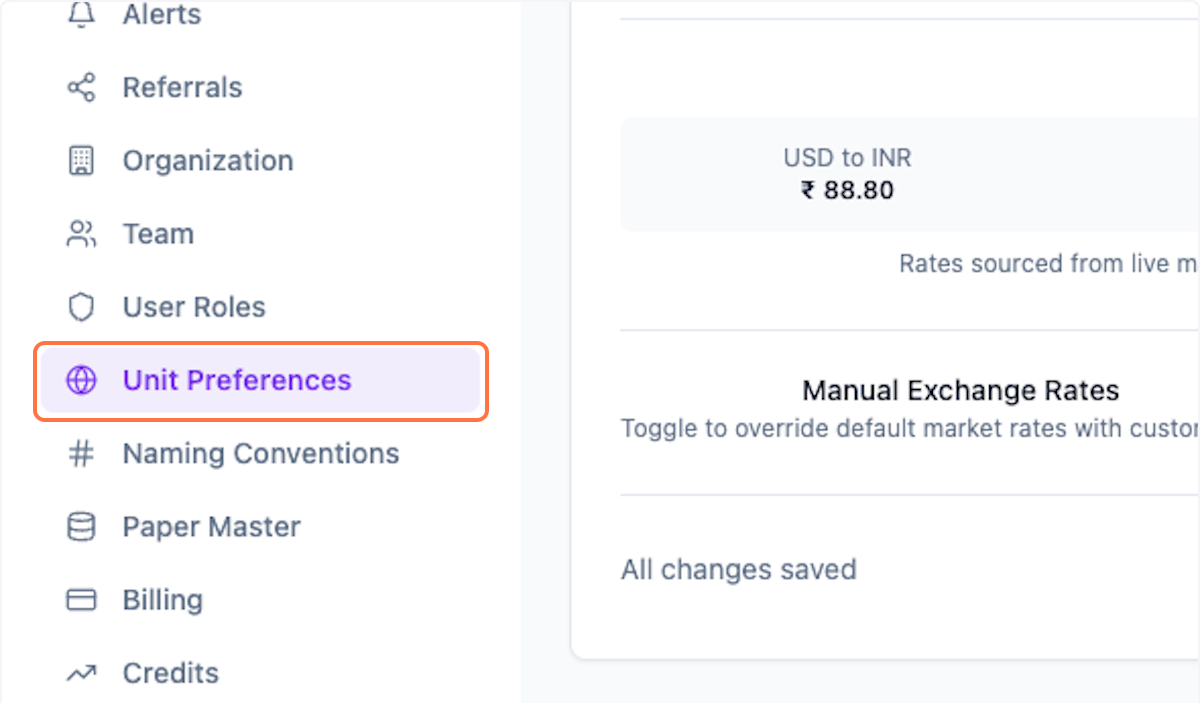
Step 1: Open Unit Preferences
Click on Settings > Unit Preferences from the menu.
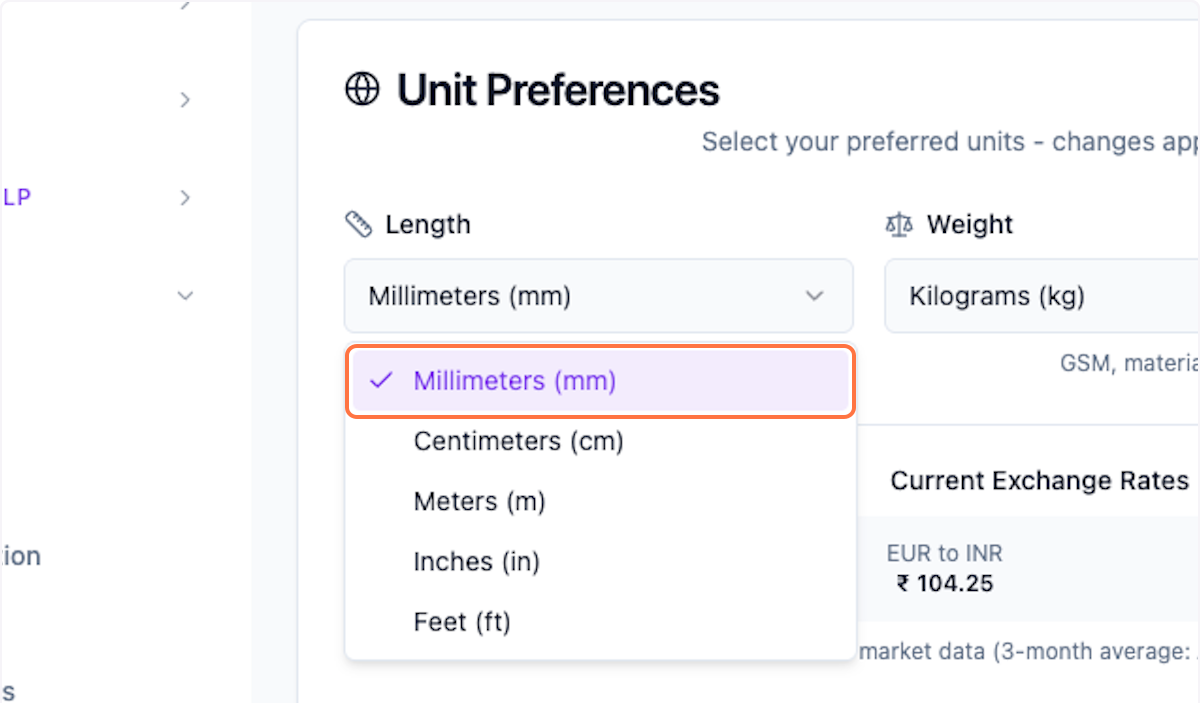
Step 2: Update Length UoM
Set your preferred length unit of measure.
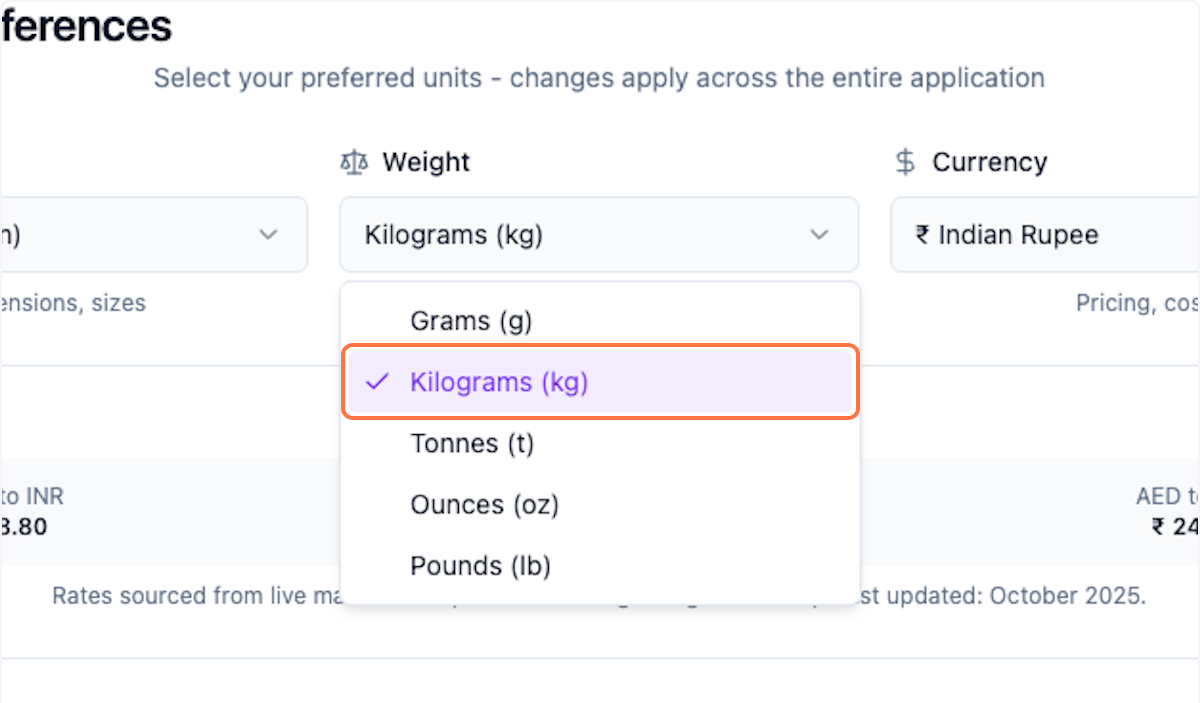
Step 3: Update Weight UoM
Set your preferred weight unit of measure.
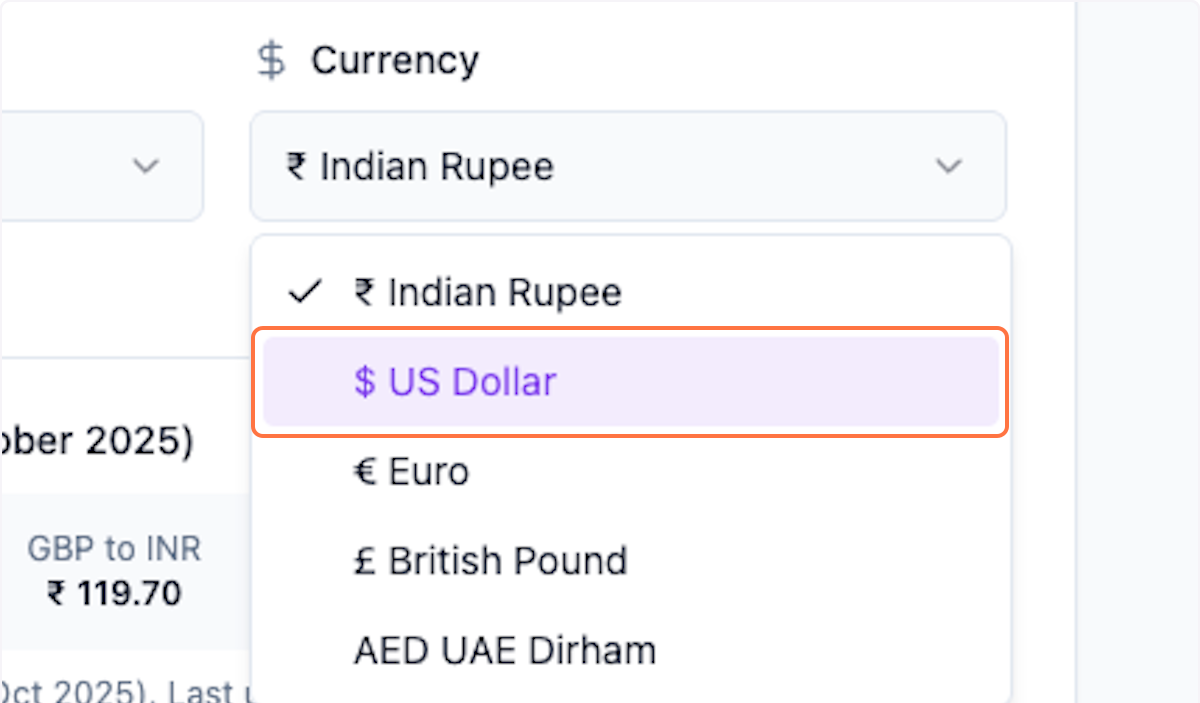
Step 4: Update Currency UoM
Set your preferred currency.
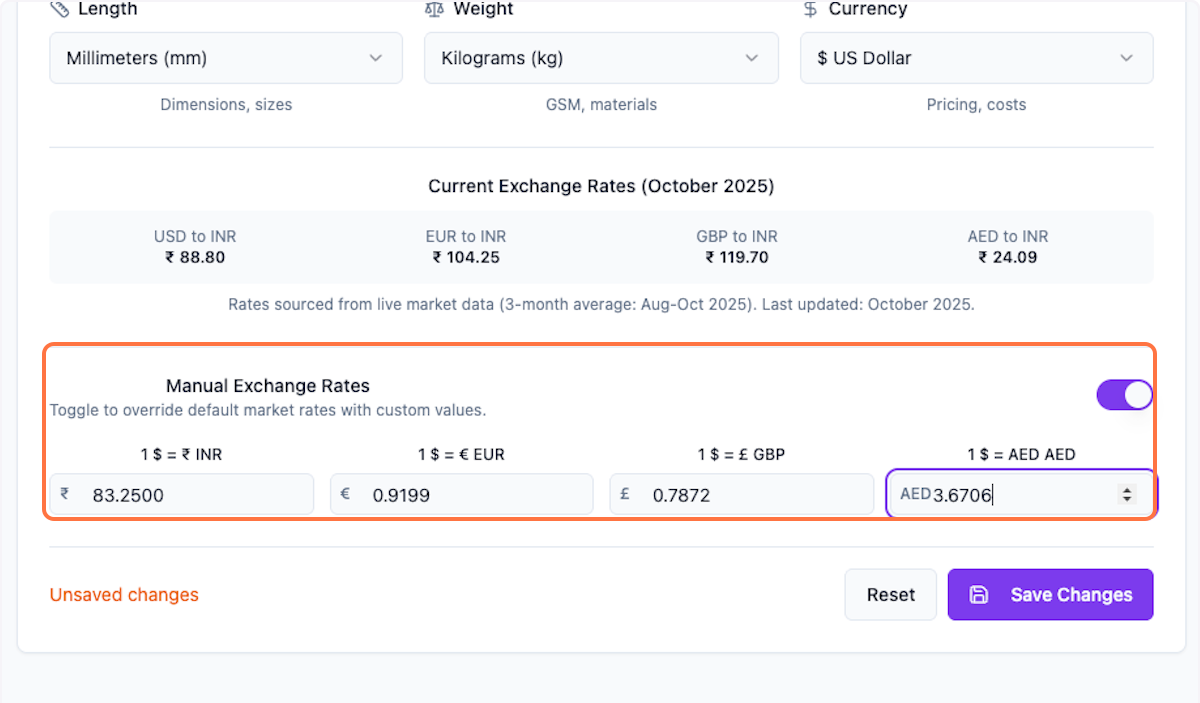
Step 5: Update Exchange Rates (Optional)
Update manual exchange rates if needed.
Step 6: Save Changes
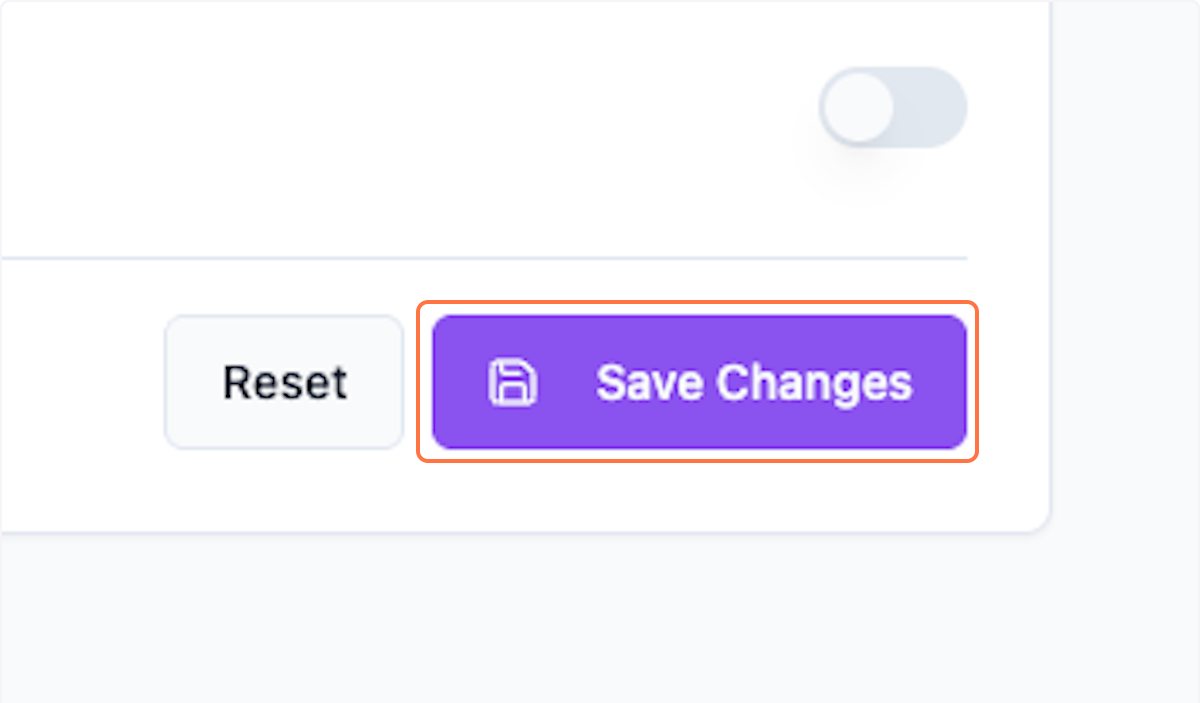
Click Save Changes to apply your preferences.
What's Next?
After configuring unit preferences:
- Create deals with your preferred units
- Generate quotations in your currency
- Manage inventory with consistent measurements
Was this helpful?
Let us know if you need more help.